

Download our report
State of Agentic Adoption 2026 →

Agent Governance
Governance you can prove
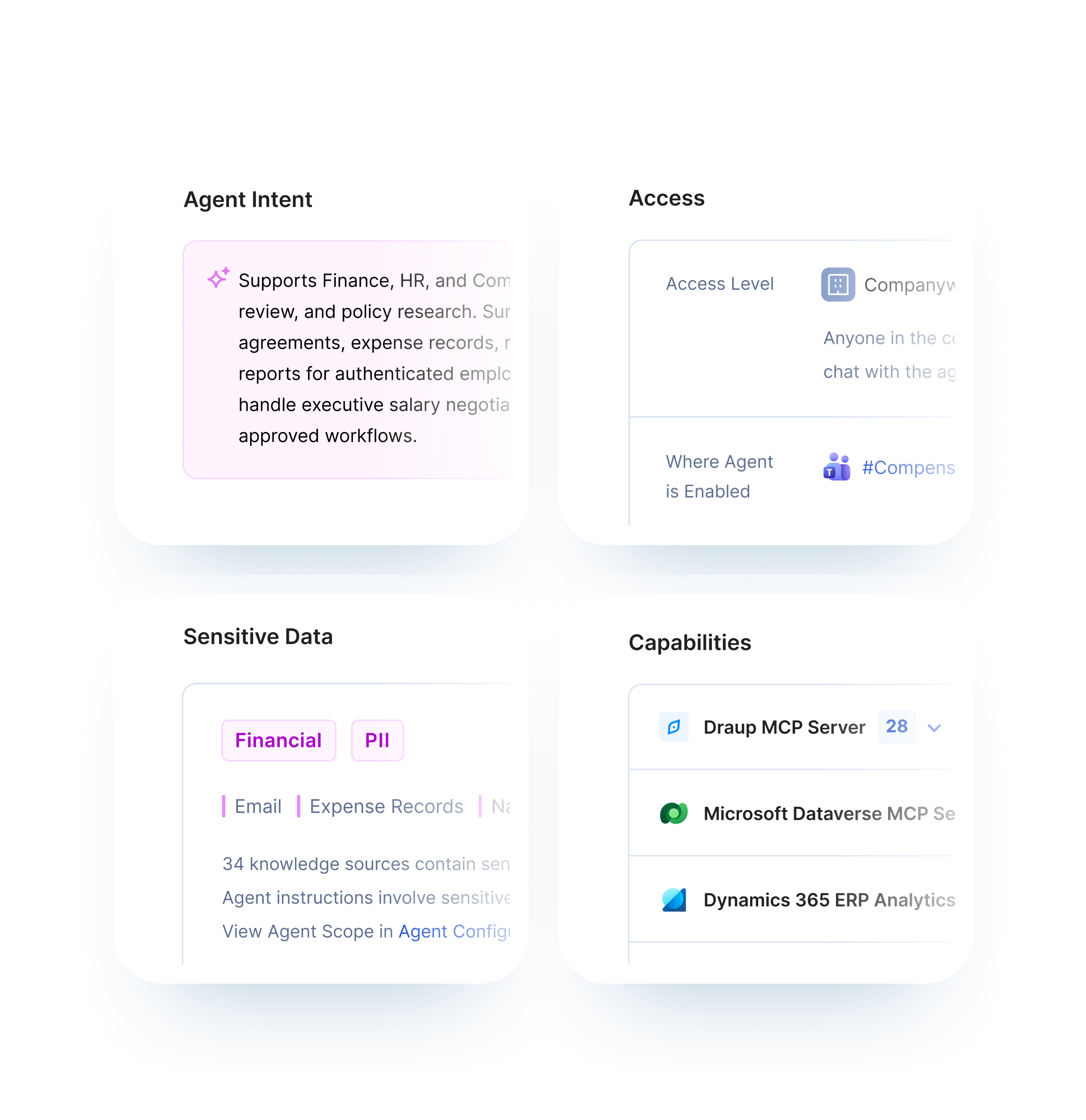
Opsin shows what every agent can reach, what it can do, and who answers for it. Approval rests on evidence instead of assertion.
See how it works >
Trusted by leaders
See what they say ↓












119
agents per environment have excessive access or no clear owner
2026 State of Agentic Adoption Report by Opsin Labs
The Solution
Approve agents on evidence
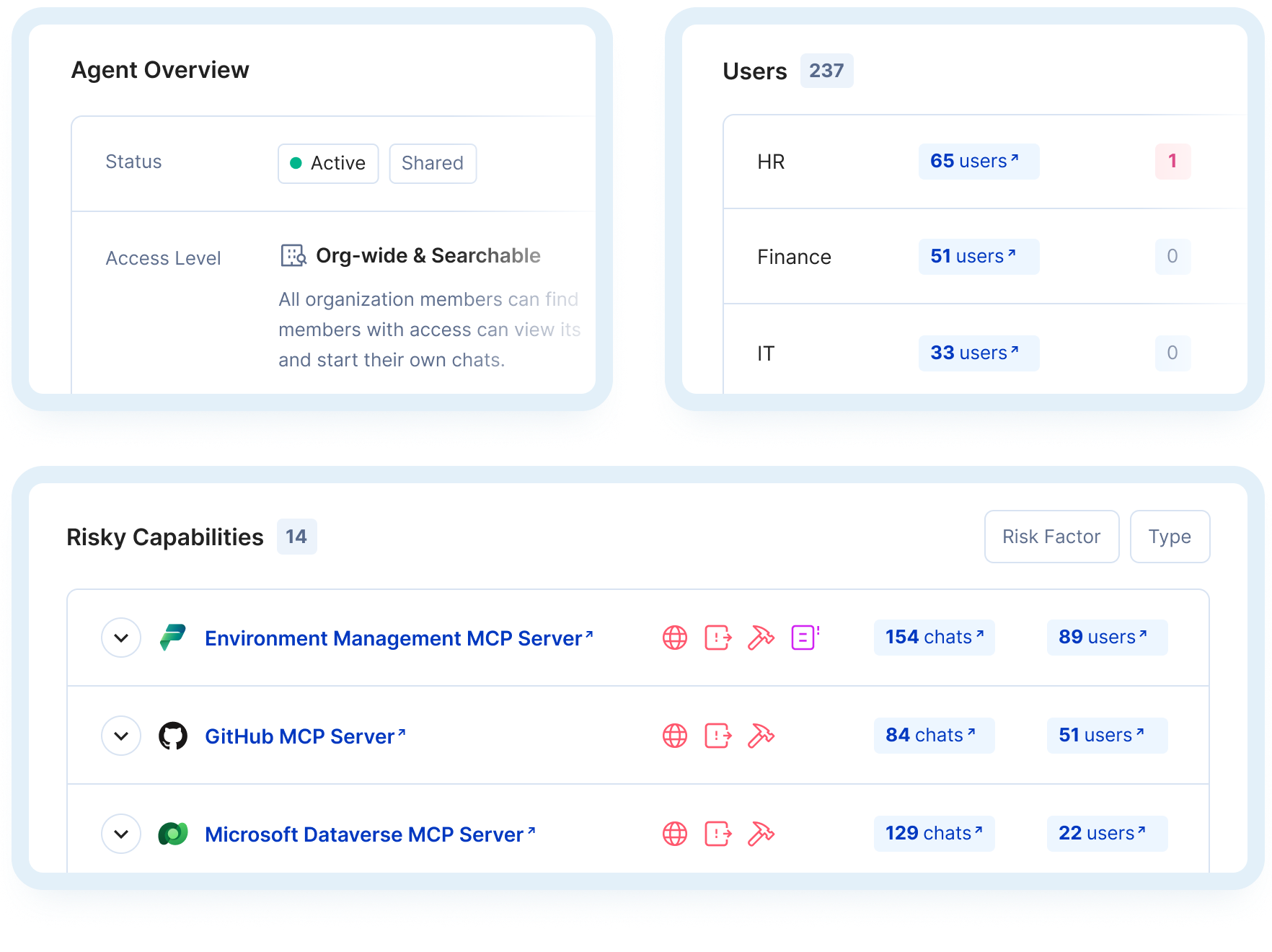
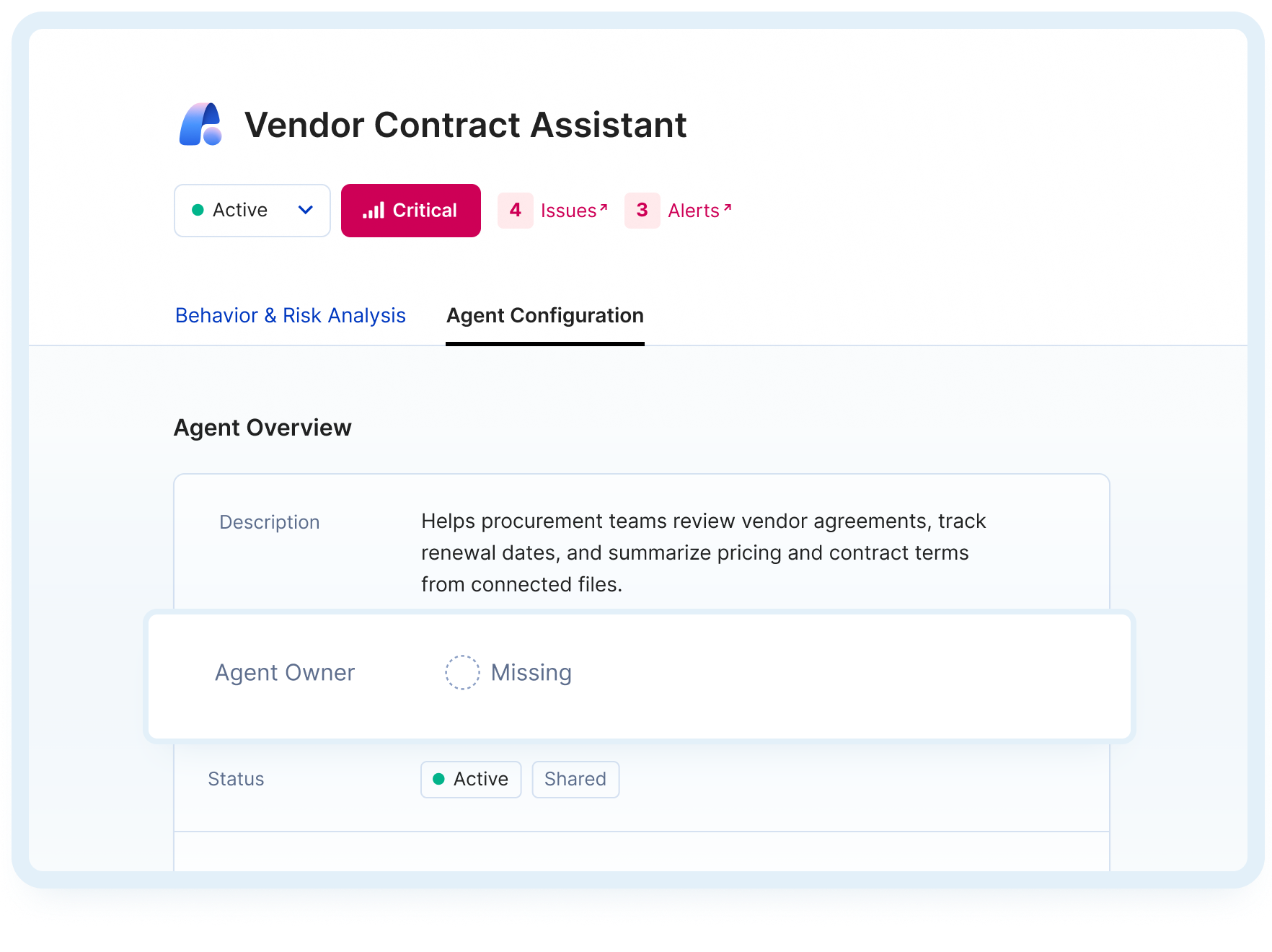
Opsin shows real agent configuration, not just a description of it. Review it before an agent goes live and every time it changes after.
How It Works
From policy to enforcement

Start from your policy
Opsin begins with what your organization permits, and will draft the policy with you if one doesn’t yet exist. Governance that is not written down cannot be enforced or defended.


Match approval to intake
Opsin takes your existing approval criteria and applies them to every agent in the environment, including the ones that never went through intake.

Check purpose vs policy
Every agent is compared to its declared purpose and to your policy, in draft and after publishing, so a gap surfaces before it becomes an exception.

Hold owners accountable
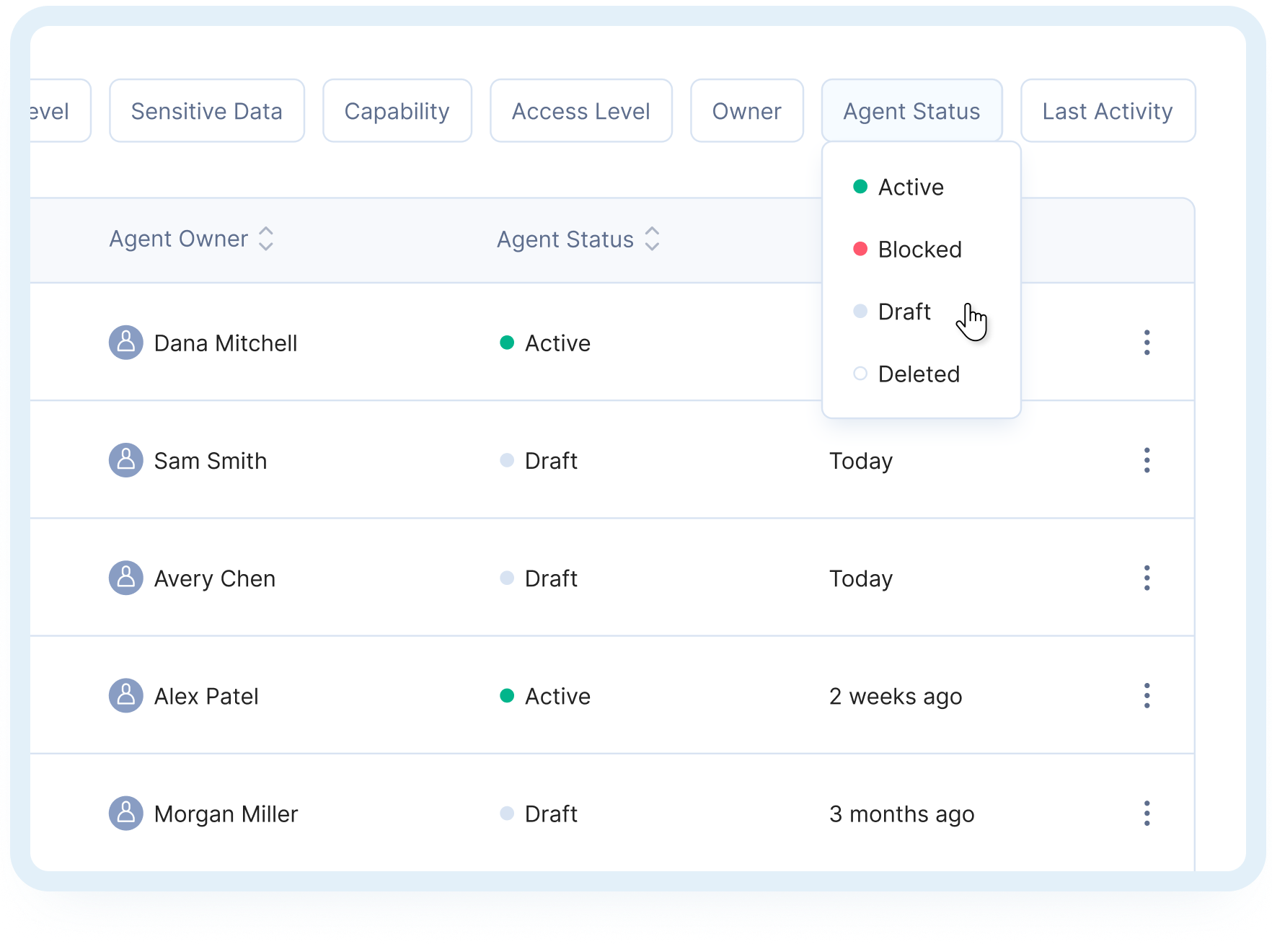
Findings route to the person who built the agent with the specific change needed, and escalate when nobody acts.
Customer Proof
Assess Agent Risk with Confidence
‘‘
Finally, I have a way to assess agent risks based on its capabilities and whether those capabilities align with the intended purposes.
Jim Shelby, Global IT Security Engineer, Culligan

‘‘
I need to know whether an agent’s connection to sensitive systems is risky or legitimate. Opsin gives me the deep context to tell the difference.
Lior Eldad, VP of IT, UiPath

Related Solutions
Extend Protection Across the Agent Lifecycle
Opsin shows real agent configuration, not just a description of it. Review it before an agent goes live and every time it changes after.
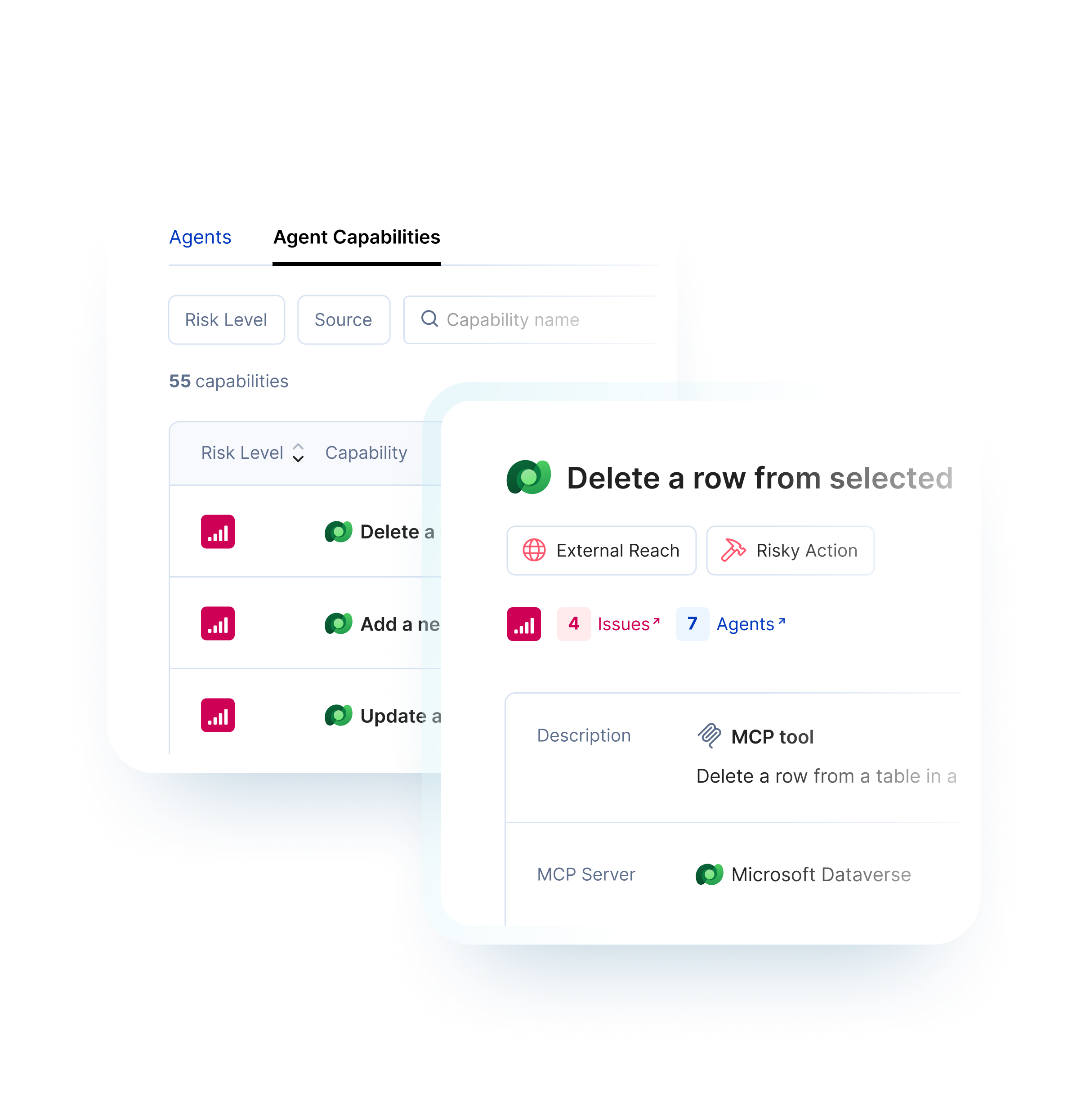
MCP Governance
Opsin inventories MCP servers and their tools, flags risky actions, and shows which agents can invoke them.
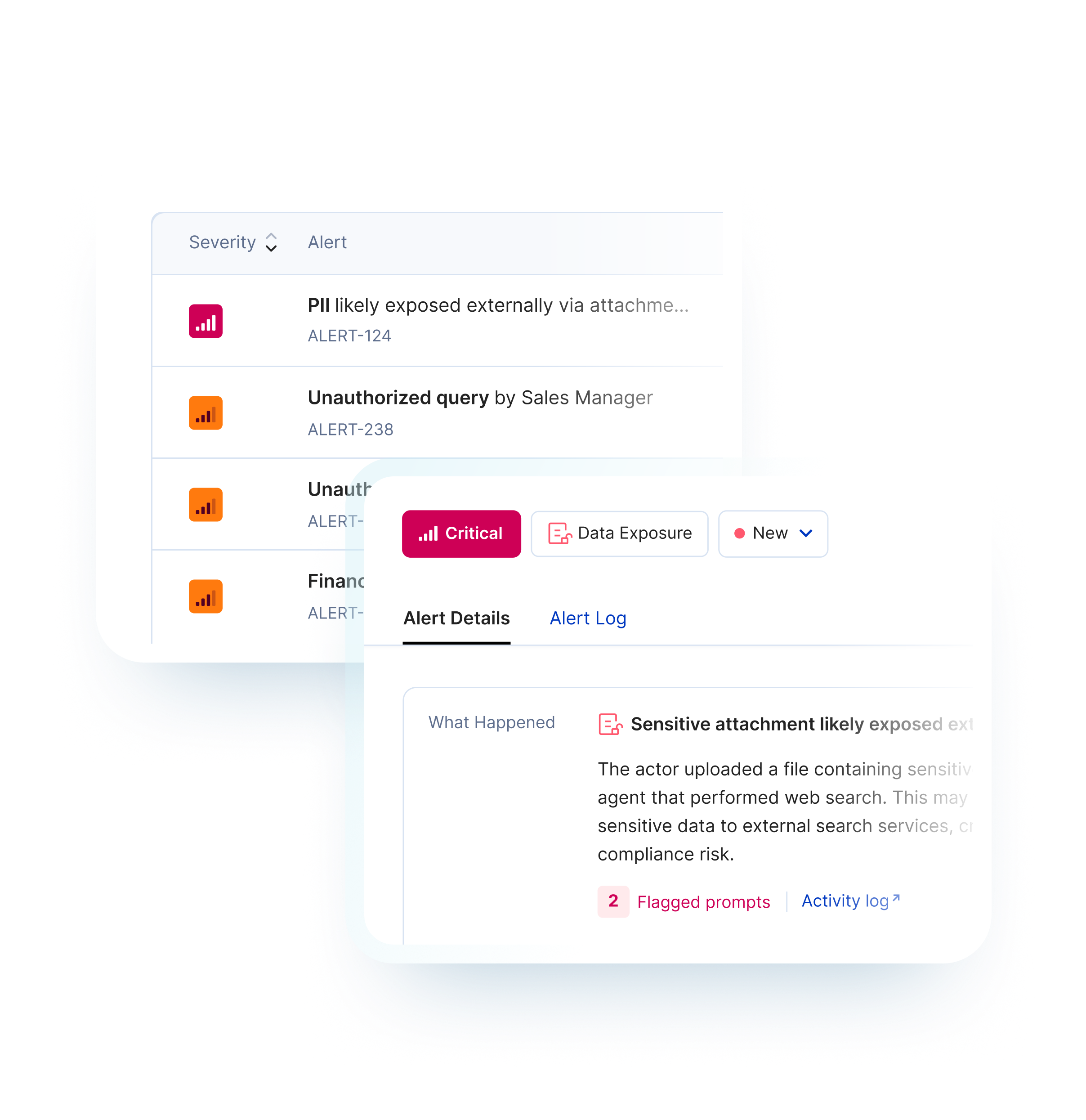
Agent Runtime Security
Opsin compares monitored agents’ activity with their intended purpose, surfaces risky behavior, and lets your team block an agent when needed.
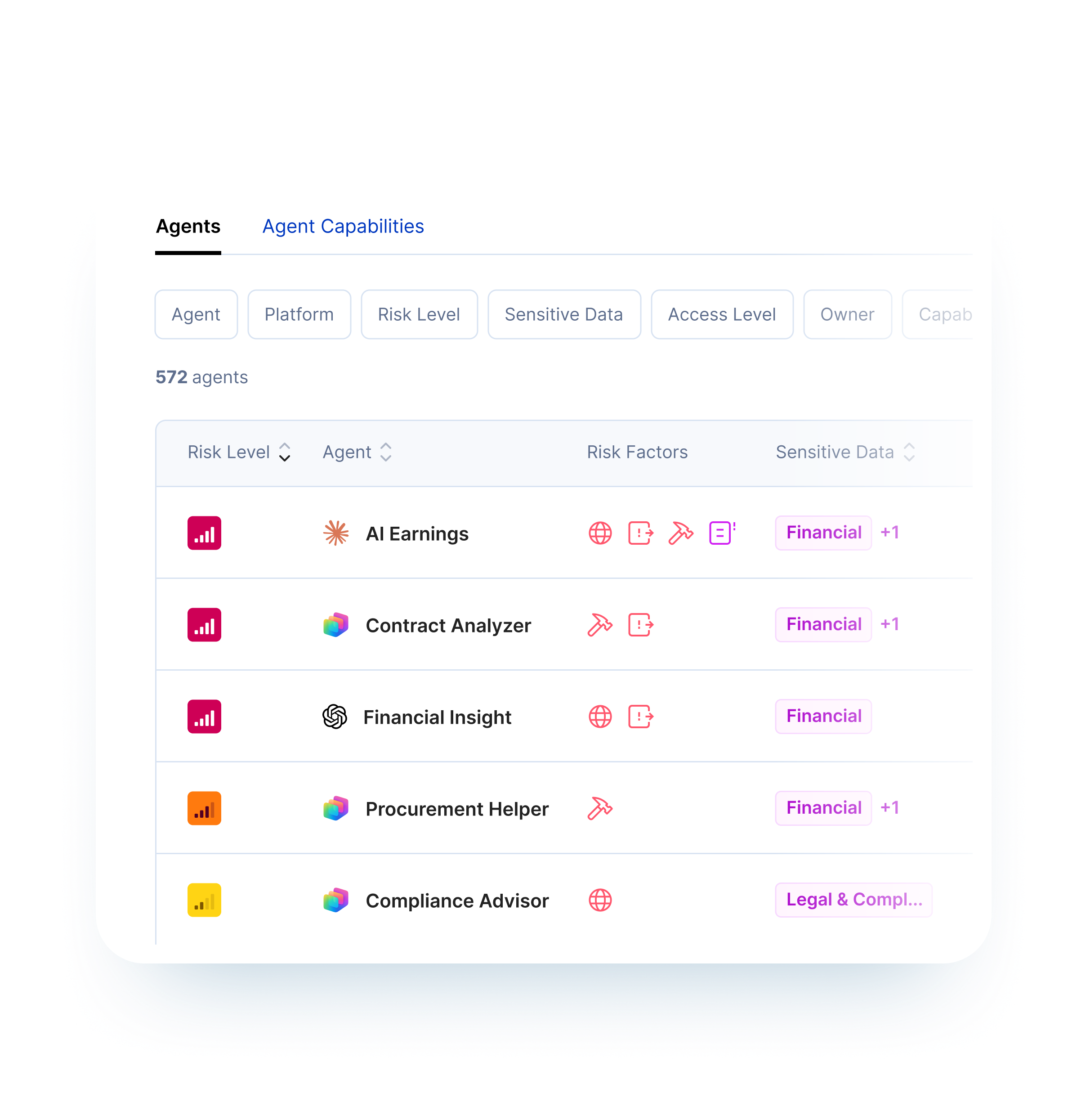
Agent Discovery
See which agents are active, who owns them, and what they can reach across the AI platforms your workforce already uses.
Frequently Asked Questions
Does Opsin automatically block AI usage?

No. Opsin focuses on detection, investigation, and coordinated response.
When policies are violated, you receive risk-classified alerts with recommended actions: user education, escalation to legal, or follow-up investigation. Context flows into your existing SOC and GRC tools.
This lets you respond proportionally rather than bluntly blocking AI and slowing the business.


