


AI Readiness Assessment for Microsoft Copilot and GenAI Tools












1 in 3
agents built by the workforce go unused, forgotten, or orphaned after creation and are never deleted
The Solution
The Fastest Path to AI Readiness
Opsin’s AI Readiness Assessment delivers actionable insights in 24 hours — with one-click onboarding.
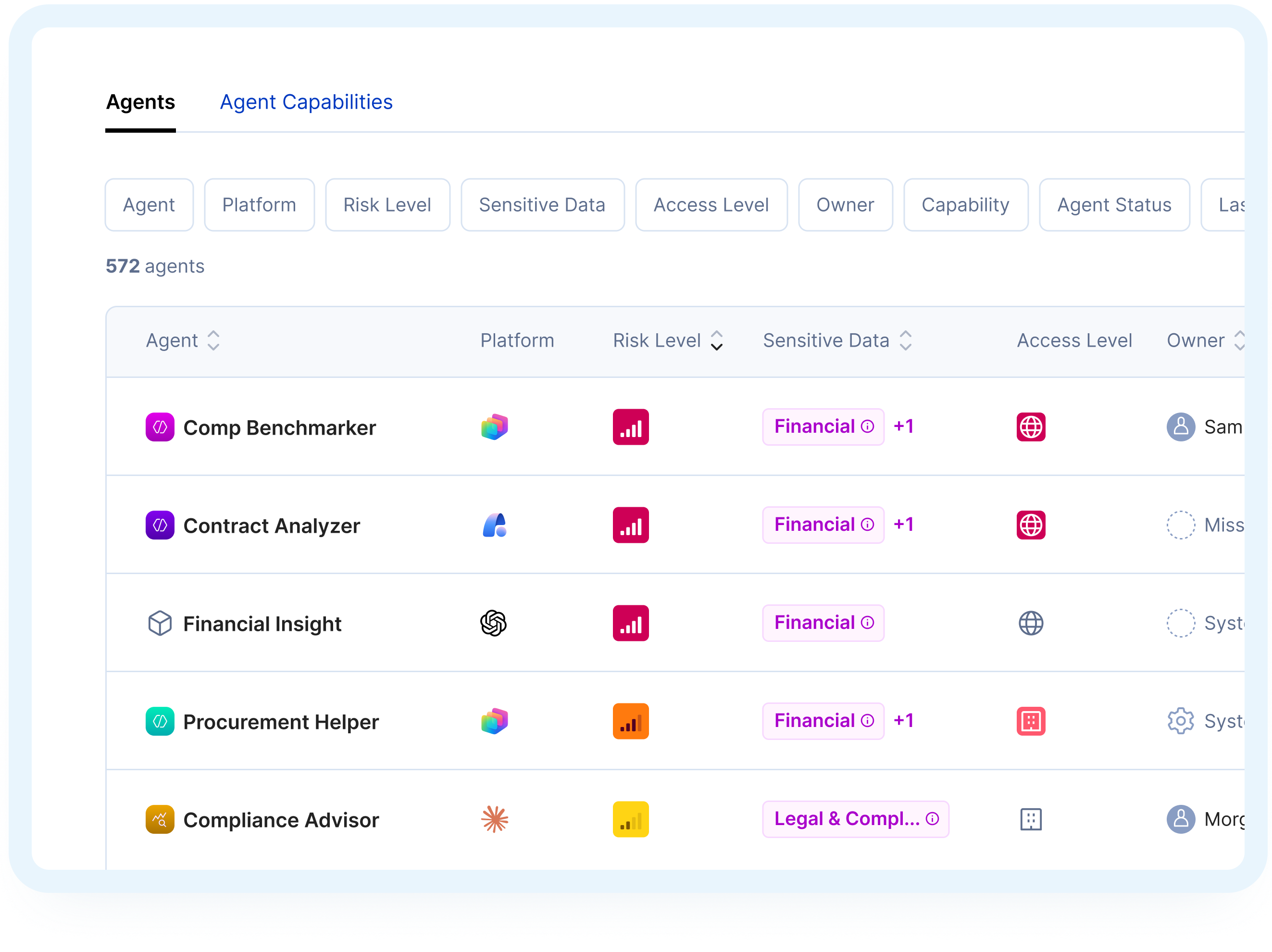

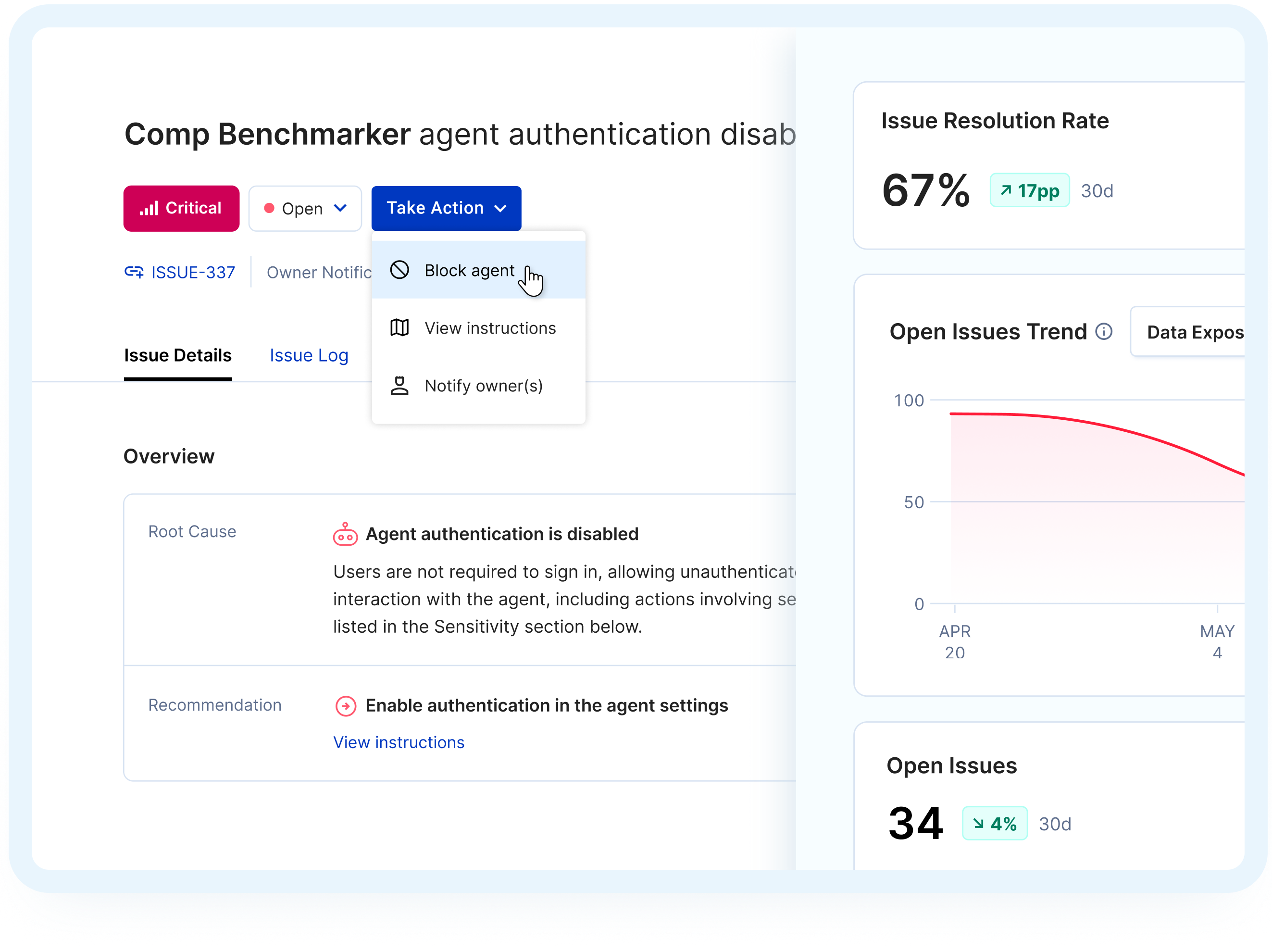
How It Works
From Connection to Confidence in 3 Steps
One-Click Connection


Simulate AI Behavior

Get Your Readiness Report

Heading
Assess Agent Risk with Confidence
Related Solutions
Heading
Opsin’s AI Readiness Assessment delivers actionable insights in 24 hours — with one-click onboarding.
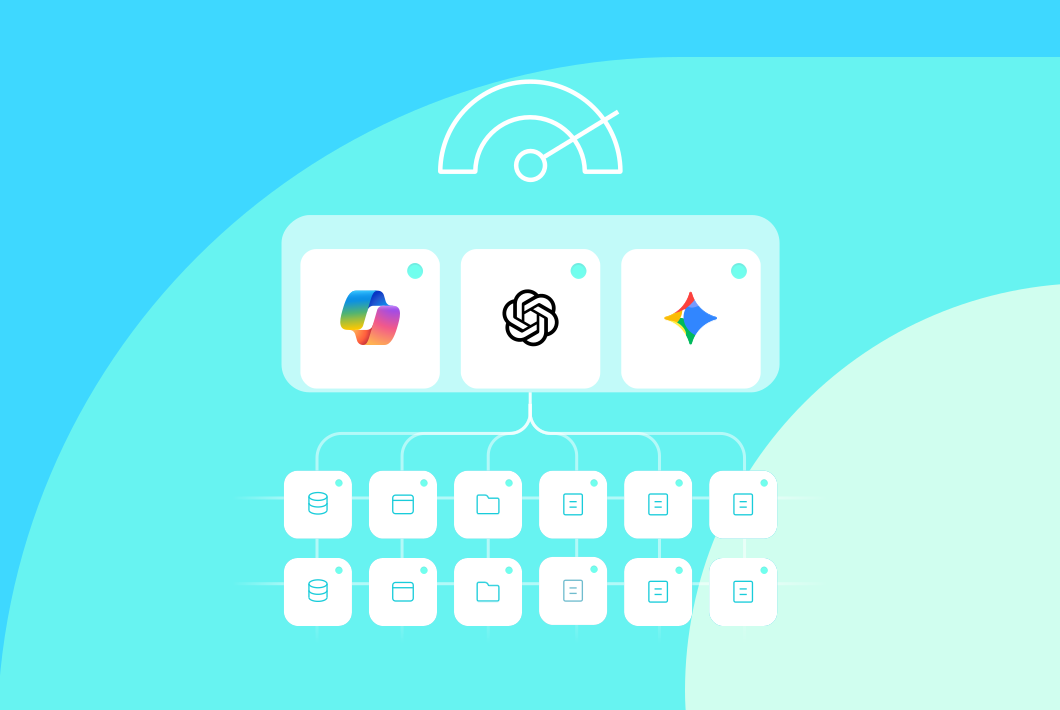
AI Readiness Assessment
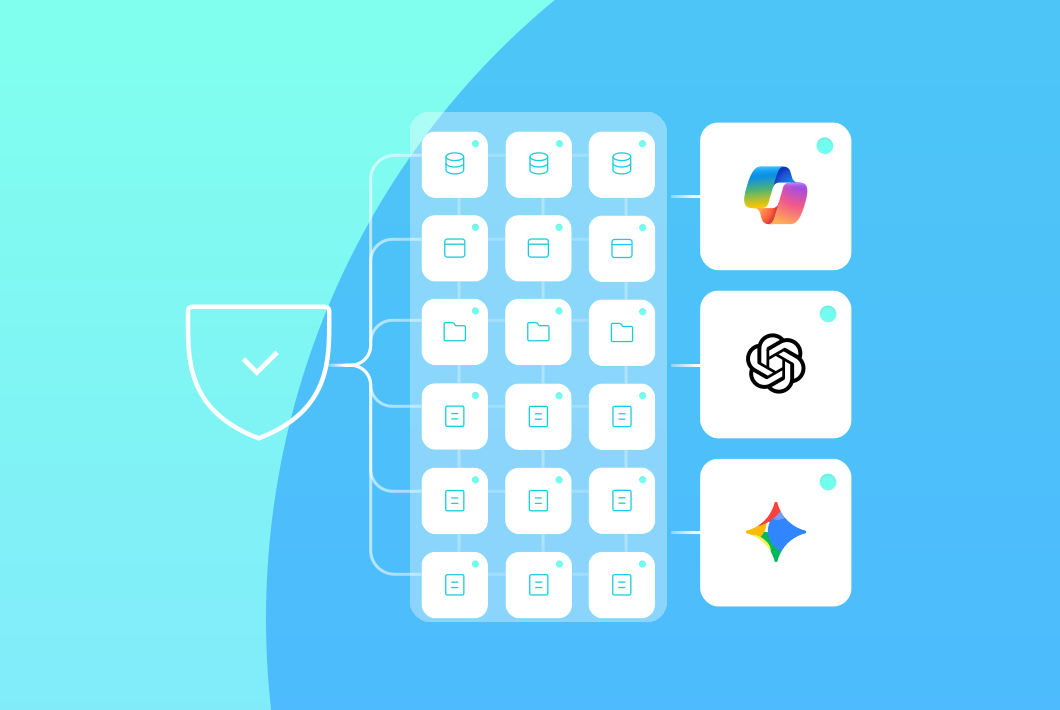
Ongoing Oversharing Protection

AI Detection & Response
Frequently Asked Questions
How fast can I get my AI Readiness Assessment results using Opsin?

The assessment process:
- One-click onboarding connects securely to your Microsoft 365 or Google Workspace environment via API
- Automated simulation runs immediately, testing what Microsoft Copilot or Gemini can actually access across your SharePoint, Teams, OneDrive, and Google Drive
- Prioritized report delivered within 24 hours showing which sites, folders, and files expose sensitive data through oversharing
- Clear remediation steps included so you can start fixing the highest-risk issues right away
Unlike traditional security tools that require weeks of configuration before surfacing actionable insights, Opsin is designed for the speed GenAI adoption demands.
Learn more about securing Microsoft Copilot.
Does Opsin access our actual data?
No. Opsin analyzes metadata and permissions only. Your data stays entirely within your environment.
What Opsin accesses:
- Permission structures showing who can access which SharePoint sites, folders, and files
- File metadata including file names, locations, and sharing settings
- Sensitivity labels and classification information already applied to your content
What Opsin never accesses:
- File contents or document text
- Any data outside your Microsoft 365 or Google Workspace tenant
Opsin works like Microsoft's own compliance tools, using read-only API access to assess risk without processing your sensitive information.
Learn more about Opsin's approach
Can I run the assessment before deploying Copilot?
Yes. Running the assessment before Copilot deployment is exactly when it delivers the most value.
Why assess before deployment:
- Identify hidden risks in your SharePoint and Teams permissions before Copilot can surface them to users
- Avoid deployment delays by addressing oversharing issues proactively
- Build executive confidence with clear visibility into what Copilot will access
- Establish security baseline before scaling AI adoption across your organization
Organizations in regulated industries use Opsin's assessment to secure CMMC-controlled data, PHI, and financial information before enabling Copilot across their enterprises.
How is Opsin different from traditional DLP and DSPM tools?
Opsin focuses specifically on what GenAI tools can access and expose, while traditional DLP and DSPM tools scan for sensitive data without GenAI context.
Key differences:
- GenAI-specific assessment simulating how Copilot searches and retrieves data through natural language queries
- Specificity vs. scanning everything focusing only on what GenAI tools can access and expose, not trying to be a general DLP or DSPM replacement
- Root cause identification showing permission misconfigurations at SharePoint site and folder level, not just individual file alerts
- One-click deployment delivering results in 24 hours versus weeks of configuration
- Delegated remediation enabling site owners to fix issues themselves
Traditional tools scan everything and flag individual files containing sensitive data. Opsin targets the specific problem: what can GenAI tools access? This specificity focuses only on what the business truly cares about. Opsin identifies the underlying permission misconfigurations that allow Copilot to surface that data to unauthorized users, so you can fix the root cause instead of addressing files one by one.
Learn more about Opsin's platform.
What is Microsoft Copilot oversharing and why does it happen?
Microsoft Copilot oversharing occurs when AI tools surface sensitive data to users who technically have permission to access it but were never intended to see it.
Common oversharing scenarios:
- "Everyone Except External Users" permissions applied to SharePoint sites containing PHI, financial data, or intellectual property
- Inherited permissions from parent folders that give organization-wide access to sensitive subfolders
- Public Teams channels where regulated information was shared assuming limited visibility
- Legacy sharing links created years ago that remain active across your environment
Copilot doesn't create new security vulnerabilities. It reveals existing permission issues by making it easy for users to discover content through natural language queries. What was previously hidden through obscurity becomes instantly accessible through AI search.
Organizations typically discover that over 70% of Copilot queries return sensitive data users shouldn't access before remediation.
Learn more about ongoing oversharing protection.
How do I prepare my SharePoint environment for Microsoft Copilot?
Preparing SharePoint for Copilot requires identifying and fixing permission misconfigurations that create oversharing risks.
Preparation steps:
- Audit site-level permissions to identify SharePoint sites with "Everyone Except External Users" access containing sensitive data
- Review sharing links to find "anyone with the link" settings that expose content organization-wide
- Check inherited permissions across folder structures to catch cascading access issues
- Apply sensitivity labels to files and sites containing regulated information like PHI, PII, or financial data
The challenge isn't the audit itself but the scale. Organizations with terabytes of legacy SharePoint data can't manually review every site, folder, and file before Copilot deployment.
Opsin automates this process, delivering a prioritized report within 24 hours that shows which SharePoint sites pose the highest risk and provides step-by-step remediation guidance.
Learn more about Microsoft Copilot security.
What types of sensitive data does Opsin's assessment identify?
The assessment identifies sensitive or regulated data that GenAI tools can access through oversharing or misconfigured permissions.
Data types Opsin detects:
- Employee data including compensation, performance reviews, and behavioral compliance records
- Customer data including customer profiles, sales interactions, and CRM data
- Operational business data including supply chain data, inventory records, and operational processes
- Healthcare information including PHI in patient records that Copilot could surface through queries
- Financial data like salary information, vendor agreements, and M&A documents shared too broadly
- Legal and compliance including contracts, regulatory compliance documents, and company policies
- Intellectual property including product plans, technical specifications, and proprietary business information
Opsin's Proactive Risk Assessment simulates how Copilot would search and retrieve content, showing exactly which sensitive data is at risk before you deploy AI tools to your entire organization.
How long does remediation take after the assessment?
Most organizations remediate their highest-priority risks within weeks using Opsin's step-by-step guidance.
Typical remediation timeline:
- Organizations reduced their AI data exposure from over 70% to under 15% within weeks
- Fixing one SharePoint site permission often remediates hundreds of exposed files at once
- Site owners can execute clear instructions without overwhelming central IT teams
Opsin identifies root causes rather than individual files, making remediation scalable even for organizations with terabytes of legacy data.
Can Opsin help with compliance requirements like HIPAA or CMMC?
Yes. Opsin helps organizations meet compliance requirements by identifying where regulated data is overshared and could be exposed through AI tools.
Compliance use cases:
- CMMC compliance for defense contractors protecting controlled unclassified information
- HIPAA compliance for healthcare organizations preventing PHI exposure through Copilot queries
- Financial services regulations securing PII and financial data to maintain regulatory compliance
Organizations in regulated industries use Opsin to ensure their Copilot deployment won't create compliance violations by exposing sensitive data to unauthorized users.
What happens after the initial assessment?
Opsin provides continuous monitoring to detect new oversharing as your GenAI adoption expands and your data environment changes.
Ongoing protection includes:
- Continuous oversharing detection monitoring for new files, folders, and sites with excessive permissions
- AI usage monitoring tracking what data Copilot and other GenAI tools actually access
- Automated remediation fixing permission issues at scale
- Policy enforcement maintaining compliance as teams continue sharing and collaborating
Continuous monitoring saves hundreds of hours of manual effort that would otherwise be required to track permission changes as your organization scales Copilot usage.
Learn about continuous protection.
Does Opsin work with Google Gemini and other AI tools besides Microsoft Copilot?
Yes. Opsin secures Microsoft Copilot, Google Gemini, ChatGPT Enterprise and other GenAI tools that access your enterprise data.
Supported platforms:
- Microsoft 365 Copilot across SharePoint, OneDrive, Teams, and connected data sources
- Google Gemini with visibility into Google Drive and Google Workspace
- ChatGPT Enterprise monitoring data shared with OpenAI
- Enterprise search platforms That index multiple repositories
The core security challenge is consistent across GenAI platforms: they can surface sensitive data that has oversharing or permission issues. Opsin addresses this root cause regardless of which AI tool you deploy.
Learn about securing Google Gemini.
What is a Copilot readiness assessment vs AI readiness assessment?
A Copilot readiness assessment and AI readiness assessment are essentially the same thing, both evaluating whether your organization can safely deploy GenAI tools without exposing sensitive data.
The terms are used interchangeably:
- Copilot readiness assessment specifically refers to preparing for Microsoft 365 Copilot deployment
- AI readiness assessment is a broader term covering Microsoft Copilot, Google Gemini, ChatGPT Enterprise, and other GenAI tools
- Both assessments identify oversharing risks, permission misconfigurations, and compliance gaps before AI deployment
Organizations use these assessments to understand what sensitive data their AI tools can access, prioritize remediation efforts, and establish security baselines before scaling GenAI adoption.
Learn more about ChatGPT Enterprise security.


