


AI Detection & Response for Microsoft Copilot, ChatGPT Enterprise, and GenAI Tools












1 in 3
agents built by the workforce go unused, forgotten, or orphaned after creation and are never deleted
The Solution
Slow, Context-Poor Investigations
Opsin turns AI usage into a security surface you can monitor, audit, and enforce.

How It Works
How It Works: From First Policy to First Resolved Alert — in 3 Steps

Step 1: Connect AI Tools and Enable Policies


Step 2: Monitor AI Interactions and Detect Violations
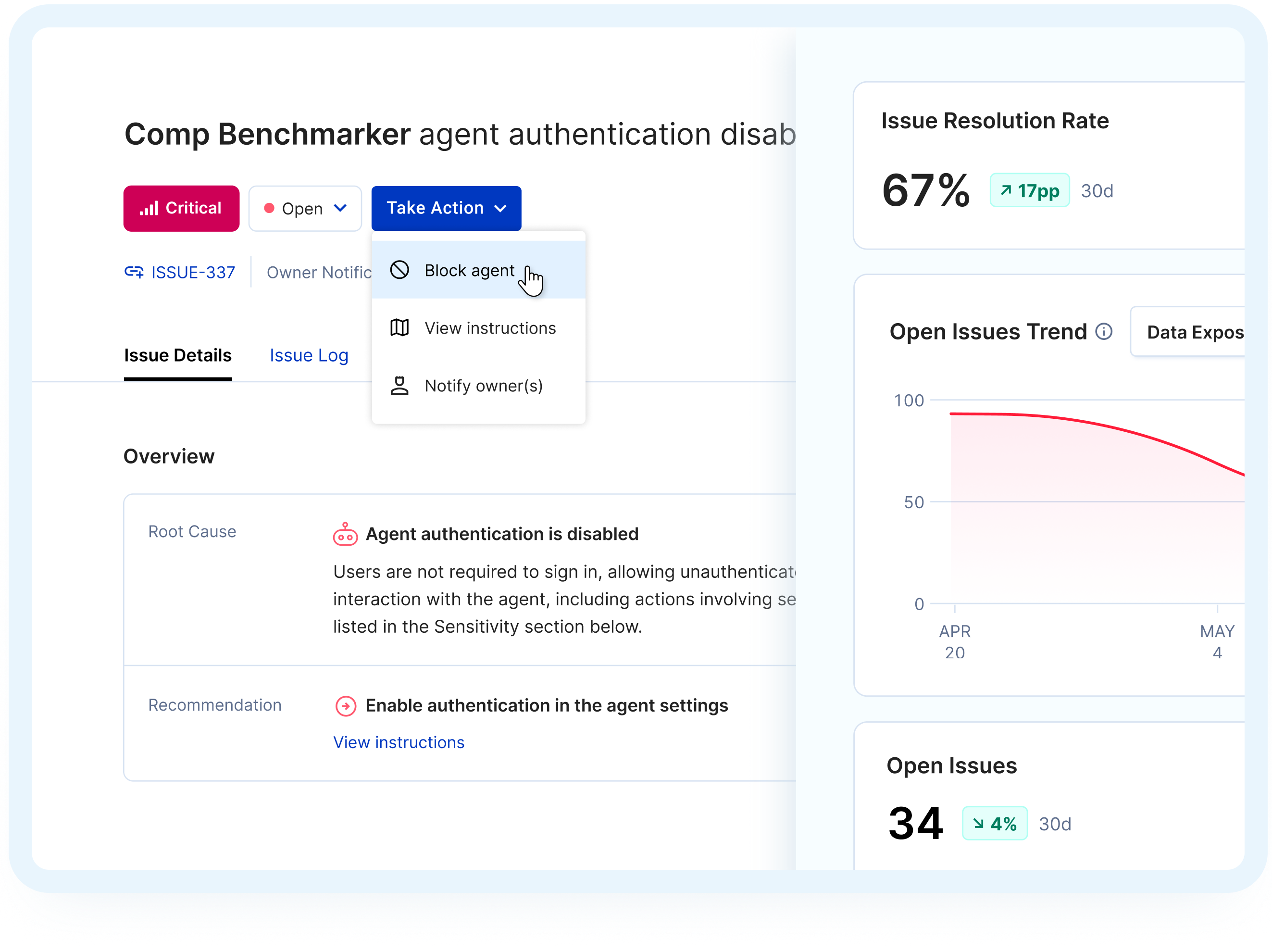
Step 3: Investigate, Respond, and Prove Compliance

Heading
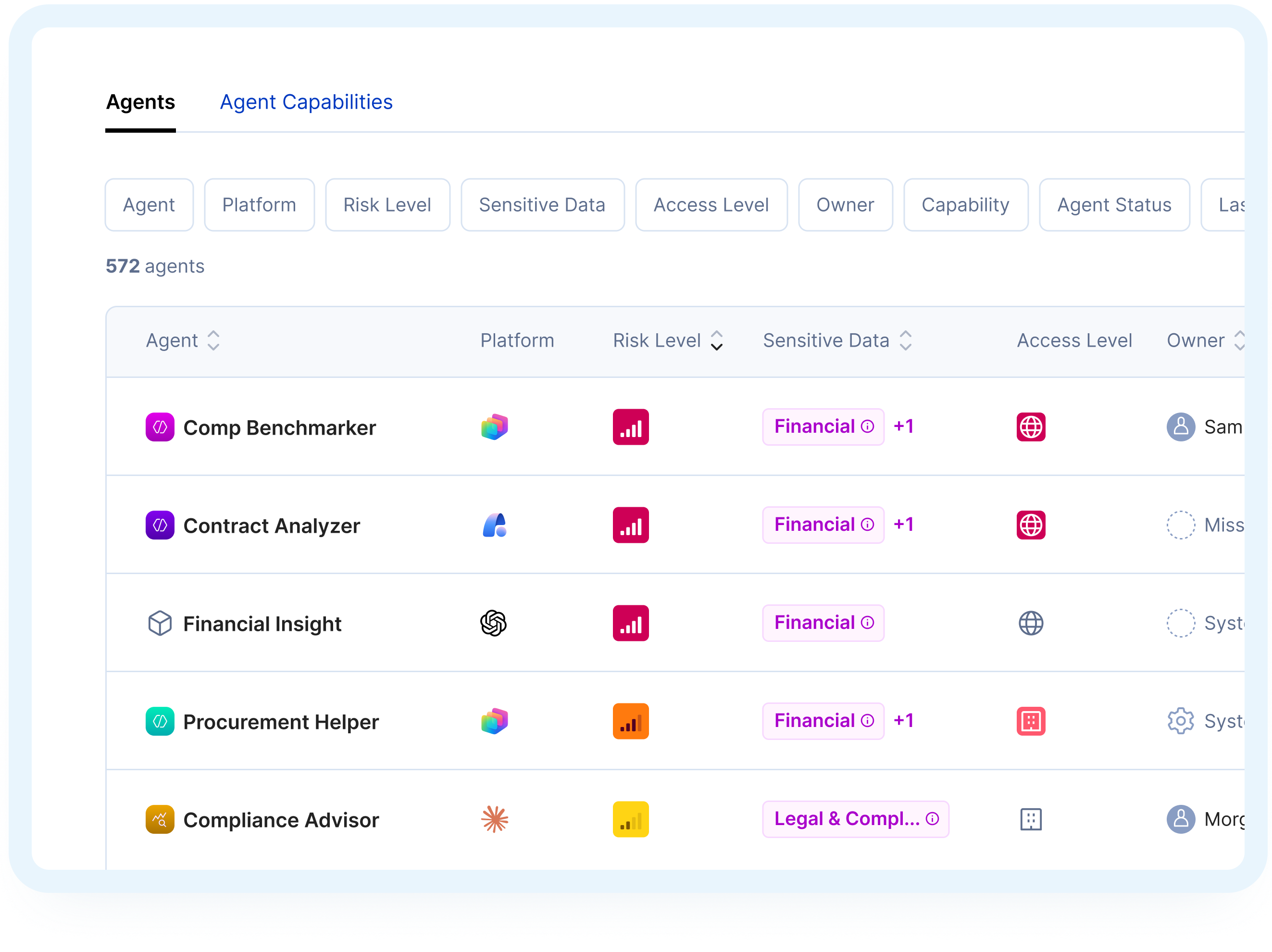
Assess Agent Risk with Confidence
Related Solutions
Heading
Opsin turns AI usage into a security surface you can monitor, audit, and enforce.
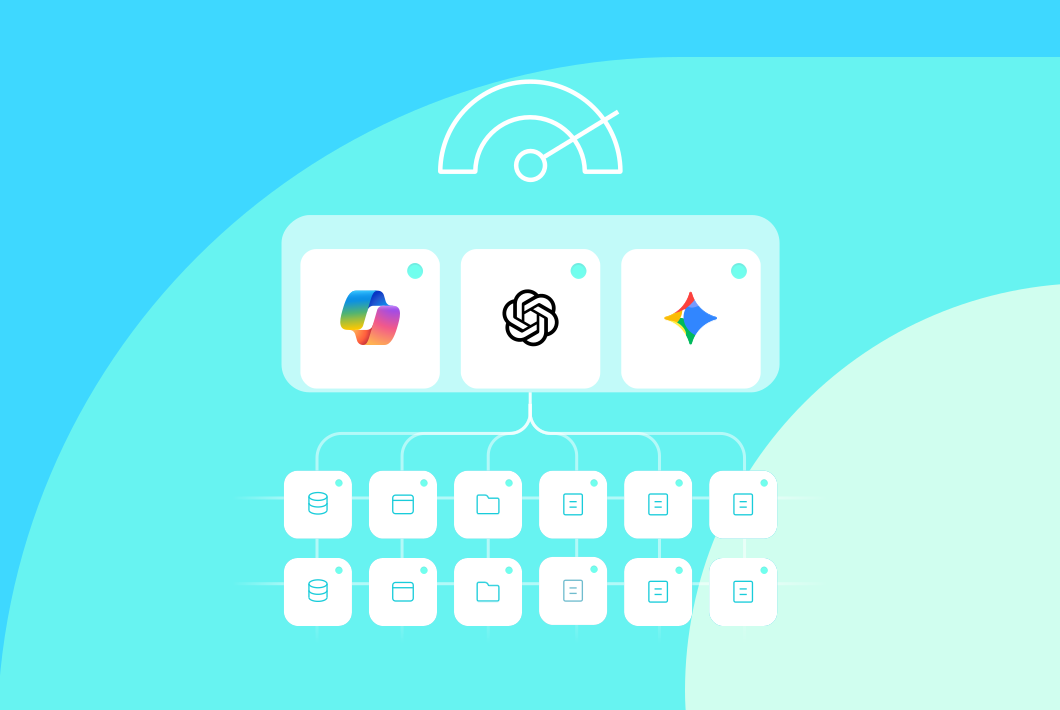
AI Readiness Assessment
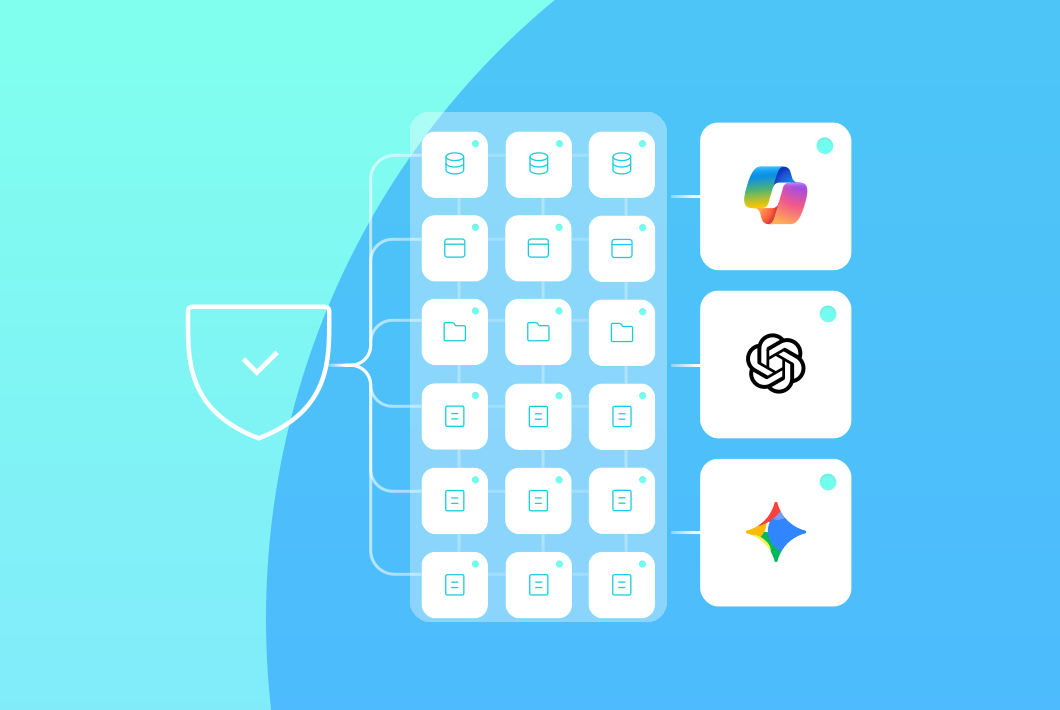
Ongoing Oversharing Protection

AI Detection & Response
Frequently Asked Questions
What is AI Detection & Response?

AI Detection & Response monitors how employees use GenAI tools, detects policy violations and sensitive data exposure, and provides full context for security, GRC, and legal teams to investigate and respond.
What it covers:
- Prompts and uploads containing PHI, PII, source code, contracts, or customer data
- Policy violations detected in real time across Copilot, ChatGPT Enterprise, and other AI tools
- Suspicious behavior including repeated high-risk queries, jailbreak attempts, and insider-risk patterns
- Full audit trail for compliance reporting and investigations
Learn more about Microsoft Copilot security.
Which AI tools does Opsin support for detection and response?
Opsin supports enterprise AI platforms where sensitive data exposure and policy violations are most likely.
Supported platforms:
- Microsoft 365 Copilot across SharePoint, OneDrive, Teams, and web experiences
- ChatGPT Enterprise monitoring prompts and data shared with OpenAI
- Google Gemini with visibility into Google Workspace interactions
- Other enterprise AI tools as your program expands
The platform evolves as AI tools change, so your detections stay current without constant re-engineering.
Learn more about ChatGPT Enterprise security.
What types of risky behavior can Opsin detect?
Opsin ships with out-of-the-box detections for common GenAI risks. No custom rules required.
Detection categories:
- Sensitive data in prompts including PHI, PII, customer data, financials, and IP
- File uploads into AI chats that may expose confidential content
- Web search exposure through AI-powered search flows
- Jailbreak attempts and AI safety control bypass
- Insider-risk patterns including repeated high-risk queries and abnormal sensitive data access
You can customize workflows and thresholds, but you never start from a blank page.
How does Opsin protect user privacy while monitoring prompts?
Opsin balances security oversight with employee privacy.
Prompts and responses are masked by default. Only authorized reviewers can reveal content, and access is fully logged. There's no bulk surveillance of routine AI usage.
You get the oversight required for security and compliance without creating a new privacy problem.
How is AI Detection & Response different from traditional DLP or SIEM tools?
Traditional DLP and SIEM tools weren't built for GenAI. They monitor network flows and file events, not natural-language prompts and AI-driven queries.
Key differences:
- AI-native understanding of prompts, responses, and app context rather than generic traffic
- GenAI-specific detections for jailbreaks, sensitive data exposure, and insider-risk behaviors
- Full context in one alert including actor, AI tool, time, data classification, and reasoning
- No regex rules to write since policies are pre-built for AI usage patterns
Opsin integrates with your existing security stack while focusing specifically on AI misuse.
What is the difference between AI Detection & Response and Ongoing Oversharing Protection?
Ongoing Oversharing Protection monitors what AI tools can access. AI Detection & Response monitors what employees actually do with AI tools.
When to use each:
- Ongoing Oversharing Protection: Detects when sensitive data becomes accessible through permission misconfigurations. Fixes exposure before AI can surface it.
- AI Detection & Response: Monitors prompts, uploads, and behavior in real time. Catches policy violations and insider-risk activity as they happen.
Most organizations use both. Oversharing protection secures the data layer. Detection and response secures the usage layer.
Learn more about Ongoing Oversharing Protection.
Does Opsin automatically block AI usage?
No. Opsin focuses on detection, investigation, and coordinated response.
When policies are violated, you receive risk-classified alerts with recommended actions: user education, escalation to legal, or follow-up investigation. Context flows into your existing SOC and GRC tools.
This lets you respond proportionally rather than bluntly blocking AI and slowing the business.
Can Opsin correlate behavior over time for a specific user?
Yes. Alerts are tied to actors, so you see the full picture of AI-related behavior over time.
One-off mistake or repeated pattern? You'll know. Historical context for insider-risk investigations? It's there. Departing employee with unusual query volume? Flagged.
This is especially valuable when investigating potential data exfiltration or policy abuse.


