


Ongoing Oversharing Protection for Microsoft Copilot, Google Gemini and GenAI Tools












1 in 3
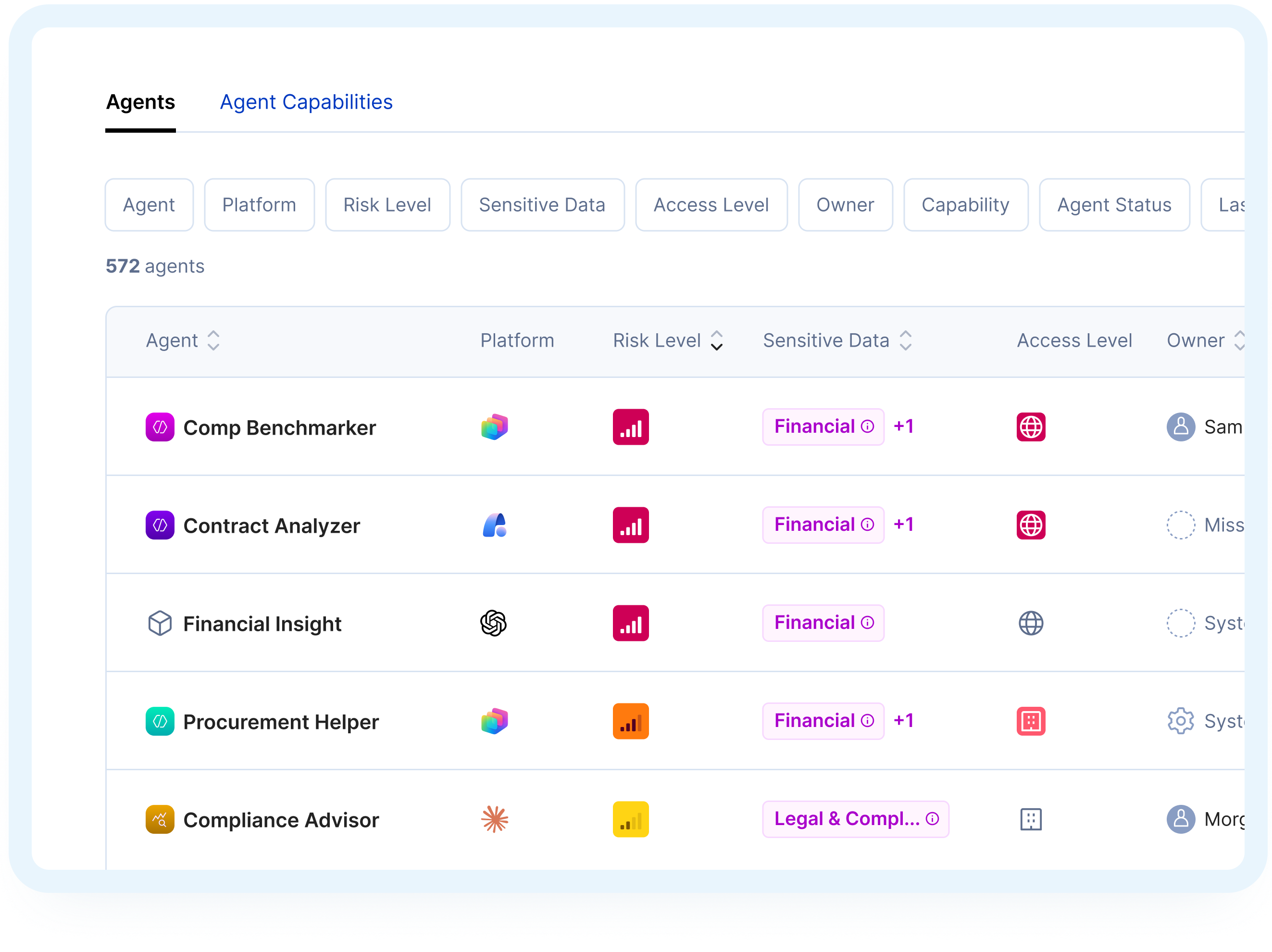
agents built by the workforce go unused, forgotten, or orphaned after creation and are never deleted
The Solution
Continuous Protection for Secure AI Adoption

How It Works
Ongoing Protection in 3 Steps
Continuous AI Monitoring

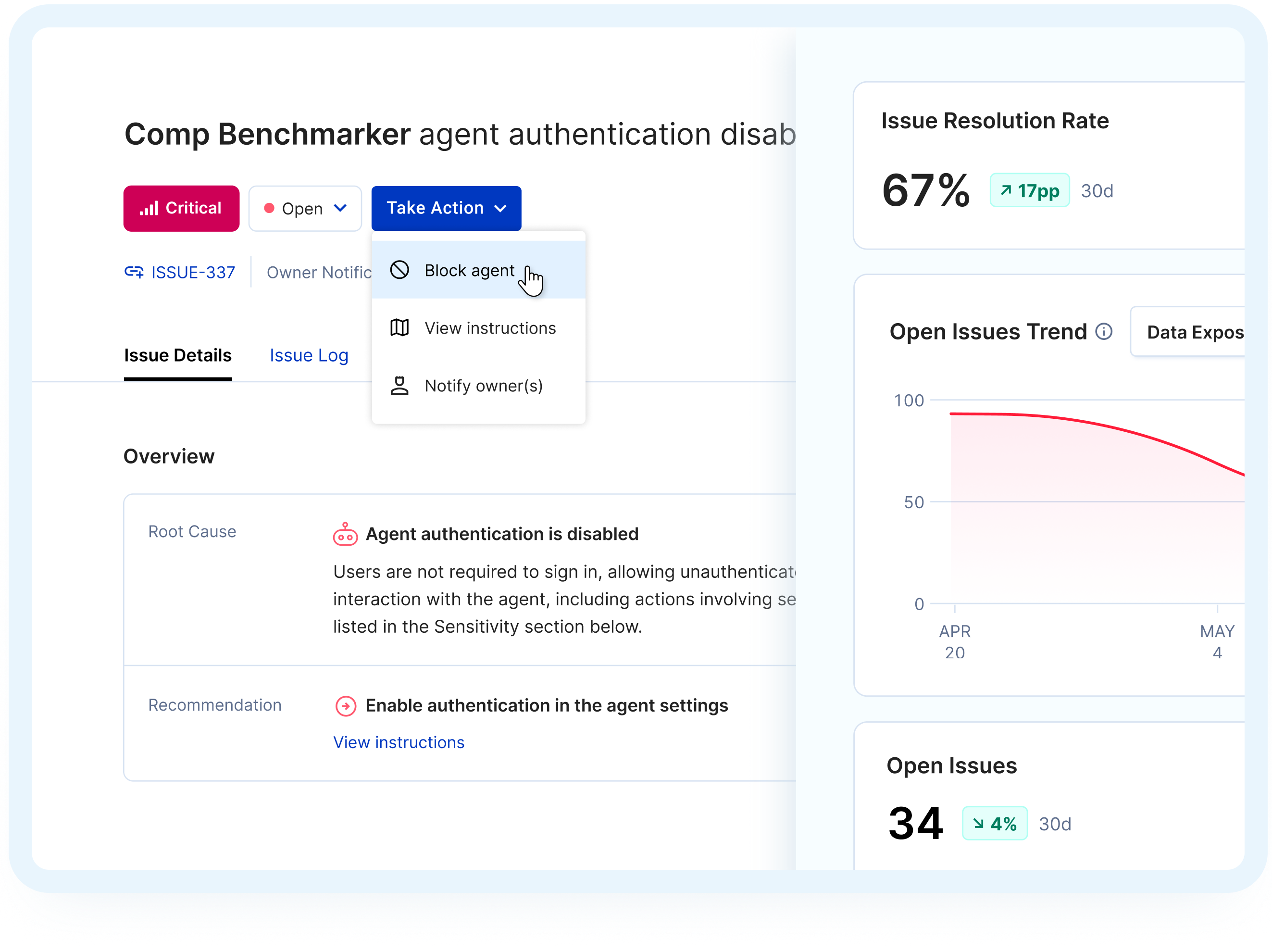
Prioritize & Alert

Decentralized Remediation & Policy Enforcement

Heading
Assess Agent Risk with Confidence
Related Solutions
Heading
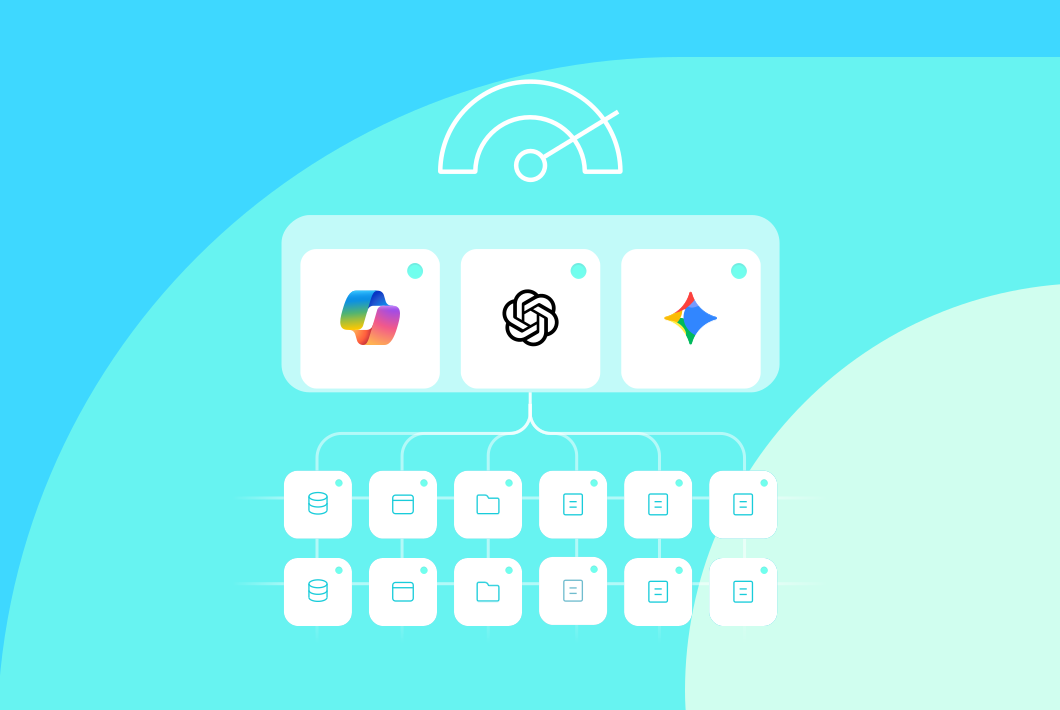
AI Readiness Assessment
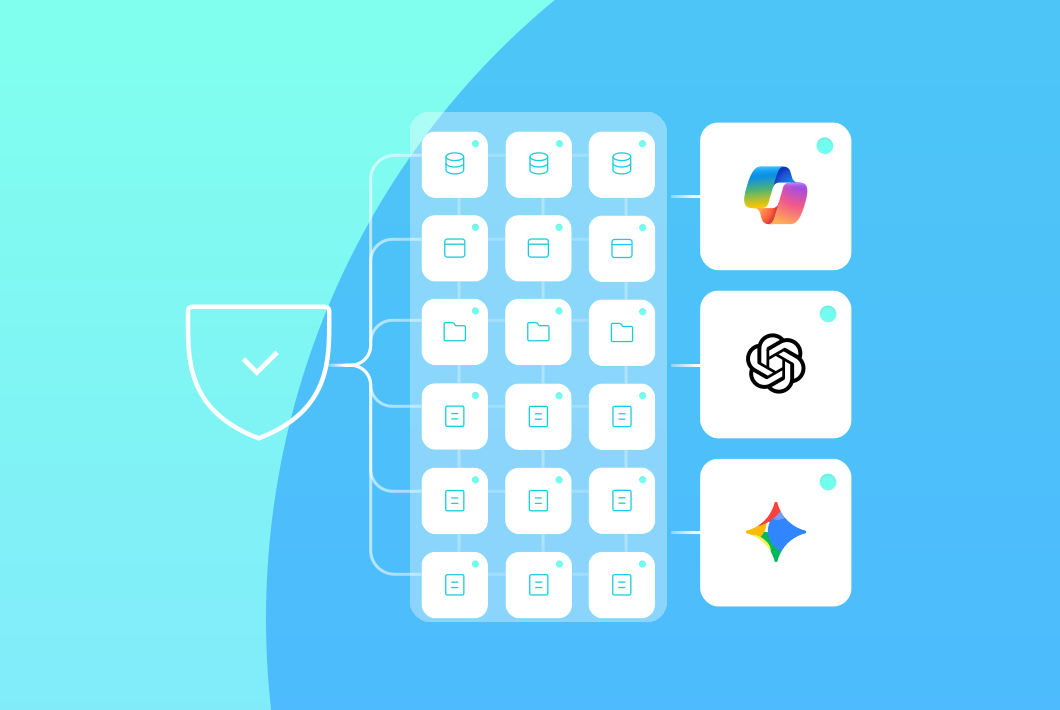
Ongoing Oversharing Protection

AI Detection & Response
Frequently Asked Questions
What does ongoing oversharing protection mean?

Opsin continuously detects when sensitive data is exposed through AI queries, prioritizes risks, and guides remediation so oversharing doesn't persist or resurface as your environment evolves.
What continuous protection covers:
- Real-time monitoring tracks AI queries across Microsoft 365, Google Workspace, and other systems to spot sensitive data exposure as it happens
- Root cause identification shows why data is overshared, not just where, so you can address permission issues at the source
- Automated notifications alert the right teams when risky exposure patterns are detected
- Decentralized remediation empowers site owners to fix issues while security maintains oversight
What is GenAI oversharing and why does it happen?
GenAI oversharing occurs when AI tools surface sensitive data to users who technically have permission to access it but were never intended to see it.
Common scenarios:
- "Everyone Except External Users" permissions on sites containing PHI, financial data, or intellectual property
- Inherited permissions that give organization-wide access to sensitive subfolders
- Public channels where regulated information was shared assuming limited visibility
- Legacy sharing links created years ago that remain active
GenAI tools don't create new vulnerabilities. They reveal existing permission issues by making content instantly discoverable through natural language queries.
Learn more about securing Microsoft Copilot.
How quickly can Opsin surface new oversharing incidents?
Opsin monitors AI interactions in real time and triggers alerts immediately when risky exposure patterns are detected.
Does Opsin fix oversharing automatically?
No. Opsin doesn't change content directly. Instead, it provides prioritized remediation steps and notifications so the right owners can fix issues at the source without overwhelming IT.
How decentralized remediation works:
- Prioritized guidance tells site owners exactly what to fix and why it matters
- Step-by-step instructions walk them through remediation quickly and correctly
- Automated notifications reach the right people without manual routing
- Security oversight maintains centralized control while distributing the workload
This approach educates users on how to secure data in the AI era while keeping remediation scalable.
Can Opsin enforce AI usage policies?
Yes. Opsin can map your internal AI governance policies into alerts and enforcement mechanisms tied to oversharing and risky AI behavior.
Policy enforcement capabilities:
- Apply your governance policies to monitoring and alerting workflows
- Get alerts when oversharing patterns or risky AI behavior emerge
- Maintain compliance as teams continue sharing and collaborating
- Track policy adherence across your AI deployment
Does Opsin work with Google Gemini and ChatGPT Enterprise?
Yes. Continuous oversharing protection covers Copilot, Google Gemini, ChatGPT Enterprise, and other AI tools that index your data.
Supported platforms:
- Microsoft 365 Copilot across SharePoint, OneDrive, Teams, and connected data sources
- Google Gemini with visibility into Google Drive and Google Workspace
- ChatGPT Enterprise monitoring data shared with OpenAI
- Enterprise search platforms that index multiple repositories
Learn more about securing Google Gemini.
What is the difference between AI Readiness Assessment and Ongoing Oversharing Protection?
AI Readiness Assessment simulates what GenAI can access before rollout. Ongoing Oversharing Protection continuously monitors and stops oversharing as AI adoption scales.
When to use each:
- AI Readiness Assessment: Before deployment. Opsin connects with one click and delivers your AI risk report in 24 hours showing which sites, folders, and files expose sensitive data.
- Ongoing Oversharing Protection: After deployment. Opsin watches how GenAI tools interact with your data and identifies when sensitive or regulated content is surfaced through queries.
Get your AI Readiness Assessment before deployment.
Will Opsin continue to watch newly created files and sites?
Yes. Continuous coverage includes new content and changes to permissions over time, so fresh oversharing doesn't slip through.
How does Opsin connect to my environment?
Opsin uses a simple, API-based connection to Microsoft 365 (SharePoint, OneDrive, Teams) and Google Workspace. No agents or data movement required.
What Opsin accesses:
- Permission structures showing who can access which sites, folders, and files
- File metadata including file names, locations, and sharing settings
- Sensitivity labels and classification information already applied to your content
What Opsin never accesses:
- File contents or document text
- Any data outside your Microsoft 365 or Google Workspace tenant
Can Opsin help maintain compliance after Copilot deployment?
Yes. Opsin helps organizations meet compliance requirements by continuously identifying where regulated data is overshared and could be exposed through AI tools.
Compliance use cases:
- CMMC compliance for defense contractors protecting controlled unclassified information
- HIPAA compliance for healthcare organizations preventing PHI exposure through Copilot queries
- Financial services regulations securing PII and financial data to maintain regulatory compliance
Organizations in regulated industries use Opsin to ensure their Copilot deployment won't create compliance violations by exposing sensitive data to unauthorized users.


