AI Security Assessment for Microsoft Copilot, ChatGPT Enterprise, and GenAI Tools












The Problem
You Can't Secure What You Can't See
AI is already in your enterprise. Do you know where the risk is?

Agent Sprawl and Ungoverned Agents
Data Exposure You Can't Measure
Compliance Without Evidence


The Solution
Map Your AI Attack Surface. Fix What Matters First.
Opsin's AI Security Assessment gives you complete visibility into your GenAI risk - with a clear path to close the gaps.
Opsin turns AI usage into a security surface you can monitor, audit, and enforce.

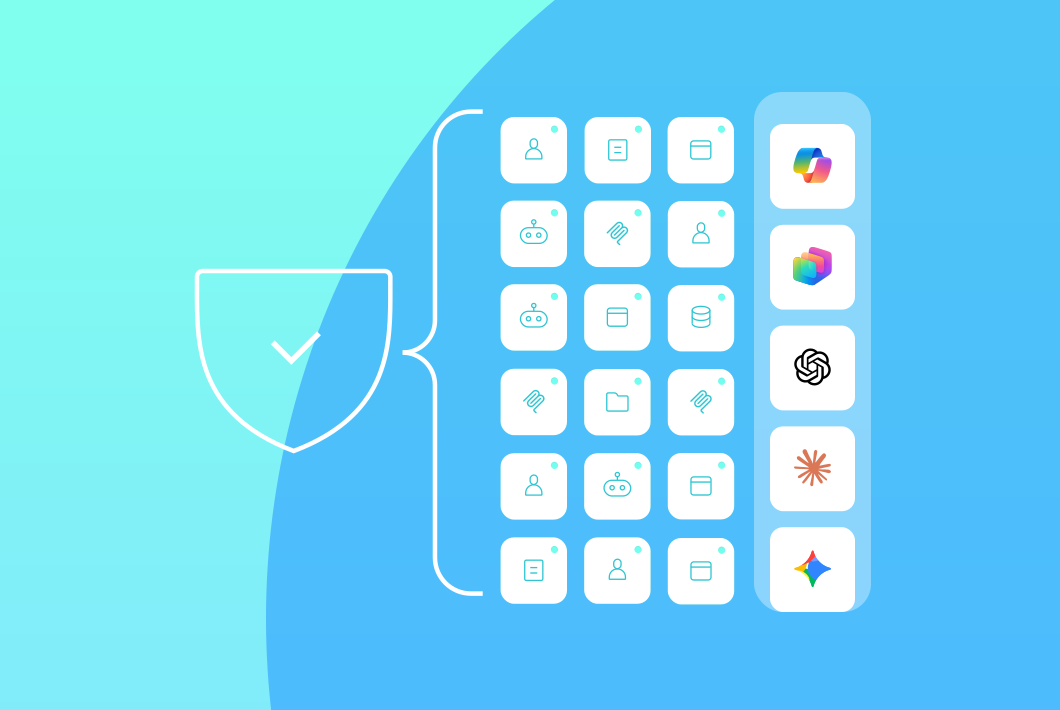
Complete AI Inventory
Data Exposure Mapping
Agent Risk Scoring
Threat Vector Analysis
Prioritized Remediation Roadmap
How It Works
From Blind Spots to Clear Action - in 3 Steps

Step 1: Connect Your Environment

Step 2: Assess Your AI Security Posture
Step 3: Get Your Prioritized Report
Customer Proof
Proven Results in Regulated Industries







Heading Tk
Heading Tk
Heading Tk
Heading Tk
Frequently Asked Questions
What is an AI security assessment and why do I need one?

An AI security assessment is a systematic evaluation of your organization's GenAI attack surface - the AI tools, agents, data connections, and configurations that create security and compliance risk.
You need one because AI adoption has outpaced security visibility. Employees use Copilot, build custom agents, and connect ChatGPT to enterprise data without security review. Traditional tools don't see these risks. An AI security assessment shows you:
- Every AI tool and agent in your environment
- What sensitive data AI can access and surface
- Where permissions, configurations, and integrations create exposure
- How your posture maps against compliance requirements
- Which vulnerabilities to fix first based on actual business risk
Without assessment, you're securing AI blind.
Learn more about Copilot security.
What's the difference between AI Security Assessment and AI Readiness Assessment?
AI Readiness Assessment answers: "What sensitive data could AI access if we deploy it?" AI Security Assessment answers: "What's our actual AI security posture right now?"
AI Readiness Assessment:
- Pre-deployment focus
- Identifies oversharing risks before rolling out Copilot or Gemini
- Delivers results in 24 hours
- Ideal for organizations planning their first AI deployment
AI Security Assessment:
- Post-deployment and ongoing evaluation
- Maps your full AI attack surface including agent sprawl and custom agents
- Covers data exposure, agent risks, threat vectors, and compliance gaps
- Delivers comprehensive report with remediation roadmap in 24 hours
- Ideal for organizations already using AI who need to assess and reduce risk
Many organizations use AI Readiness Assessment before deployment, then conduct periodic AI Security Assessments as their AI program expands.
Learn more about AI Readiness Assessment.
What AI tools and platforms does the assessment cover?
Opsin assesses security across every major enterprise AI platform - including tools employees adopt without security approval.
Supported platforms include:
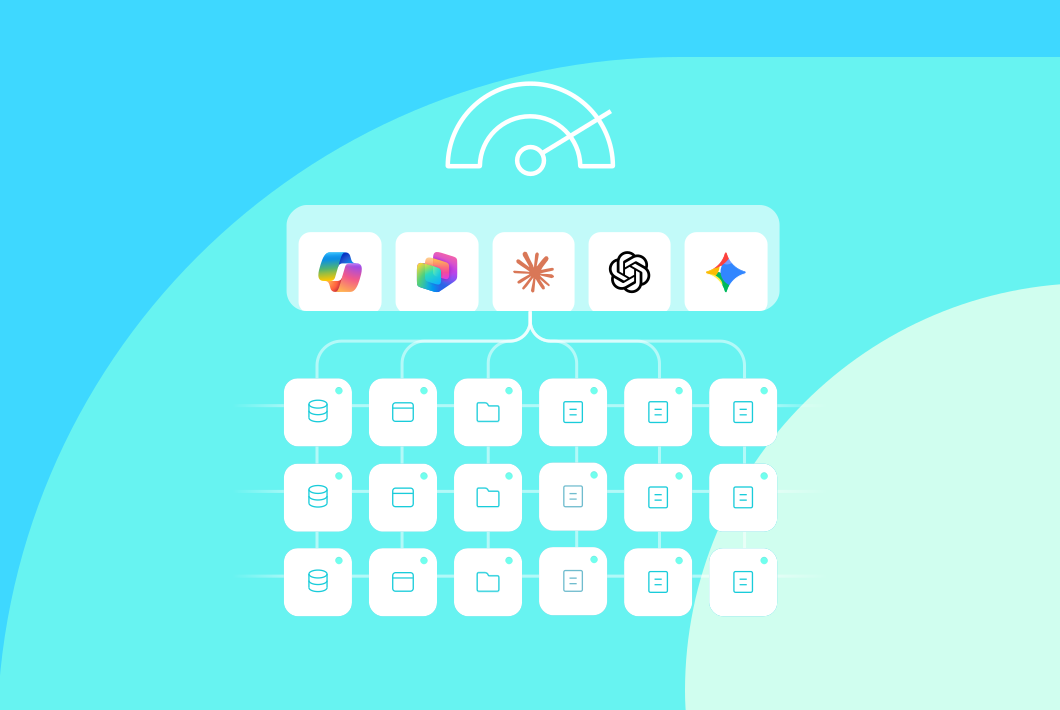
- Microsoft 365 Copilot across SharePoint, OneDrive, Teams, and Graph connectors
- Microsoft Copilot Studio custom agents and automations
- ChatGPT Enterprise including custom GPTs, data connections, and plugins
- Google Gemini with visibility into Google Workspace integrations
The assessment adapts as your AI landscape evolves - new tools, new agents, new integrations are automatically discovered.
Learn more about ChatGPT Enterprise security or Google Gemini security.
What security risks does the AI Security Assessment identify?
The assessment identifies risks specific to GenAI that traditional security tools miss entirely.
Risk categories include:
- Data exposure - oversharing, permission misconfigurations, sensitive data accessible to AI queries
- Agent security gaps - excessive permissions, weak authentication, dangerous tool integrations, orphaned agents without owners
- Threat vectors - prompt injection vulnerabilities, RAG poisoning exposure, data exfiltration paths
- Compliance violations - gaps against HIPAA, CMMC, SOC 2, GDPR, and AI-specific regulations
- Insider risk indicators - unusual access patterns, high-risk configurations, departing employee exposure
Every finding includes severity rating, business context, and specific remediation steps.
How long does the assessment take?
Connect in minutes. Get your comprehensive report in 24 hours.
- One-click onboarding connects securely to your environment via API
- Automated discovery identifies AI tools, agents, and configurations immediately
- Security analysis evaluates posture across all risk dimensions
- Report delivery within 24 hours with prioritized findings and remediation roadmap
Traditional security assessments take weeks of manual work. Opsin delivers actionable intelligence at the speed AI adoption demands.
Does Opsin access the contents of our files or data?
No. Opsin analyzes metadata, permissions, and configurations only. Your data never leaves your environment.
What Opsin accesses:
- Permission structures showing who can access what
- AI tool and agent configurations
- File metadata including names, locations, and sharing settings
- Sensitivity labels already applied to your content
What Opsin never accesses:
- File contents or document text
- Actual prompts or AI responses (unless AI Detection & Response is enabled)
- Any data outside your authorized tenant
Opsin operates like Microsoft's own compliance tools - read-only API access to assess risk without processing sensitive information.
Learn more about GenAI security.
What do I get in the assessment report?
You receive a comprehensive report designed for action - not just awareness.
Report includes:
- Executive summary - overall risk score and key findings for leadership
- Complete AI inventory - every tool, agent, and integration discovered
- Detailed findings - organized by category with severity, context, and evidence
- Compliance gap analysis - mapping against relevant regulatory frameworks
- Threat vector assessment - GenAI-specific vulnerabilities in your environment
- Prioritized remediation roadmap - specific action steps ranked by business impact
- Quick wins - immediate fixes you can implement today
The report answers the question security leaders care about most: what should we fix first?
Learn more about AI governance.
What's the difference between AI Security Assessment and AI-SPM or DSPM tools?
AI Security Assessment is purpose-built for GenAI risk. Traditional DSPM (Data Security Posture Management) and emerging AI-SPM tools take different approaches.
Traditional DSPM tools:
- Scan for sensitive data across all repositories
- Flag individual files without GenAI context
- Don't discover or assess AI agents
- Require months of configuration before delivering value
AI Security Assessment from Opsin:
- Maps your complete AI attack surface - tools, agents, data connections
- Shows what AI can actually access and surface through queries
- Discovers and risk-scores custom agents and shadow AI
- Identifies GenAI-specific threats like prompt injection and RAG poisoning
- Delivers prioritized findings in 24 hours with one-click onboarding
Opsin focuses specifically on what GenAI changes about your security posture - not trying to replace your entire data security stack.
Learn more about Opsin's platform.