






















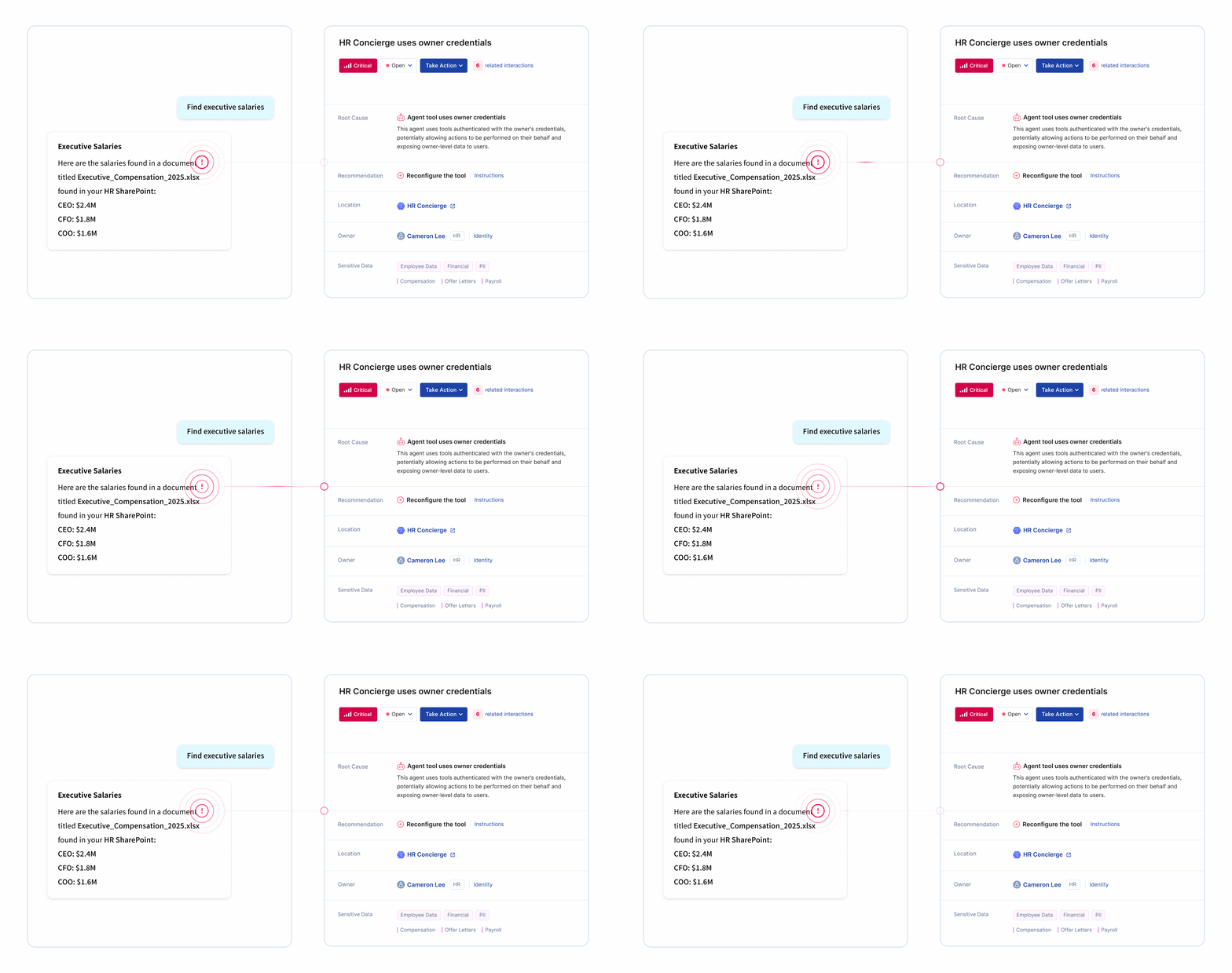
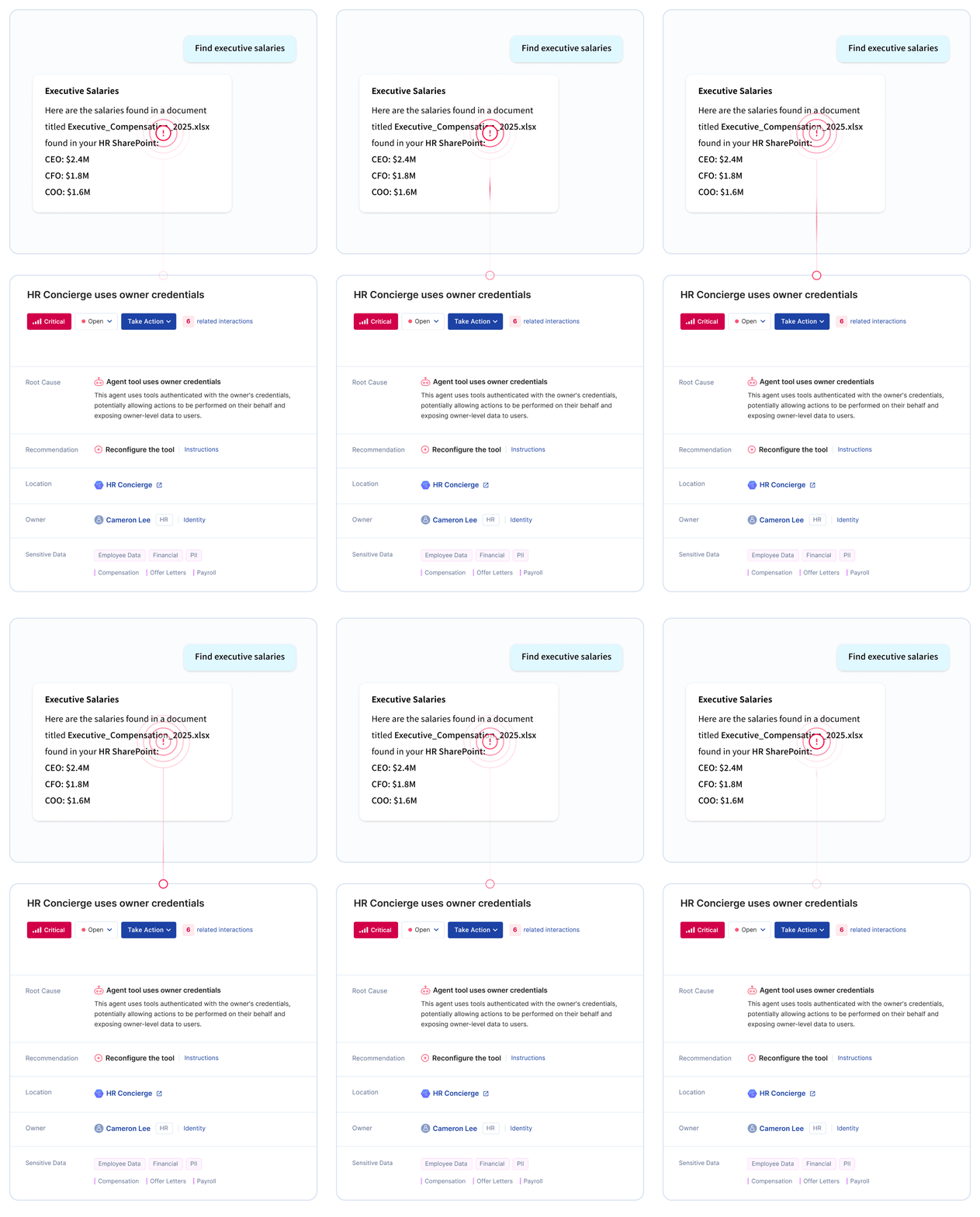







Copilot Studio is Microsoft's platform for building custom AI agents that can connect to enterprise data sources, execute actions, and interact with users through natural language. Employees use it to create bots for customer service, internal FAQs, workflow automation, and more.
Security risks from Copilot Studio include:
Copilot Studio empowers citizen development, but without governance, it creates AI agent sprawl that security teams can't track or control.
Learn more about agentic AI security.
Microsoft 365 Copilot and Copilot Studio serve different purposes and create different security challenges.
Microsoft 365 Copilot:
Copilot Studio:
Organizations deploying Microsoft 365 Copilot should also govern Copilot Studio. Employees who get comfortable with Copilot often start building custom agents, creating new security challenges that require different controls.
Learn more about Microsoft Copilot security.
Copilot Studio agents can connect to a wide range of enterprise data sources, each creating potential exposure paths for sensitive information.
Common data connections include:
Each connection expands what the agent can access. Without inventory and assessment, security teams can't know which agents connect to which systems or whether those connections are appropriate.
Learn more about AI Readiness Assessment.
Opsin automatically discovers all Copilot Studio agents across your environment without relying on employee self-reporting or manual audits.
Discovery capabilities:
Security teams get complete visibility into their Copilot Studio footprint without disrupting the business users who build agents.
Learn more about AI agent governance.
Opsin classifies agents based on their intent, using context to assess what each agent is meant to do and what sensitive data it processes.
Intent-based classification uses:
Opsin classifies based on what agents are meant to do - not just what they technically can access.
Learn more about AI Security Assessment.
Yes. Opsin identifies agents that persist without active ownership or clear business purpose.
Orphaned agent detection includes:
Orphaned agents represent ungoverned access paths that accumulate over time. Opsin surfaces them so you can remediate, reassign ownership, or decommission as appropriate.
Learn more about Ongoing Oversharing Protection.
Opsin helps organizations maintain regulatory compliance by discovering agents that connect to regulated data and ensuring appropriate governance controls.
Compliance capabilities:
When auditors ask how you govern AI agents accessing regulated data, you show them complete inventory, risk assessment, and documented controls.
Agent discovery is a point-in-time inventory of existing agents. Ongoing governance provides continuous monitoring as new agents appear and existing agents change.
Agent Discovery (AI Readiness Assessment):
Ongoing Agent Governance:
Most organizations start with discovery to establish their baseline, then add ongoing governance as Copilot Studio adoption scales. New agents appear constantly - continuous monitoring ensures yesterday's inventory doesn't become tomorrow's blind spot.
Learn more about Ongoing Oversharing Protection.
Yes. Opsin complements Microsoft's native security tools by adding AI-specific visibility and governance capabilities.
Integration approach:
Microsoft provides the platform. Opsin provides the security layer specifically designed for AI agent governance. Organizations use both to maintain comprehensive coverage.
Learn more about Opsin's platform.