Opsin raises $21M to secure the agentic enterprise.
Hear from our founders →


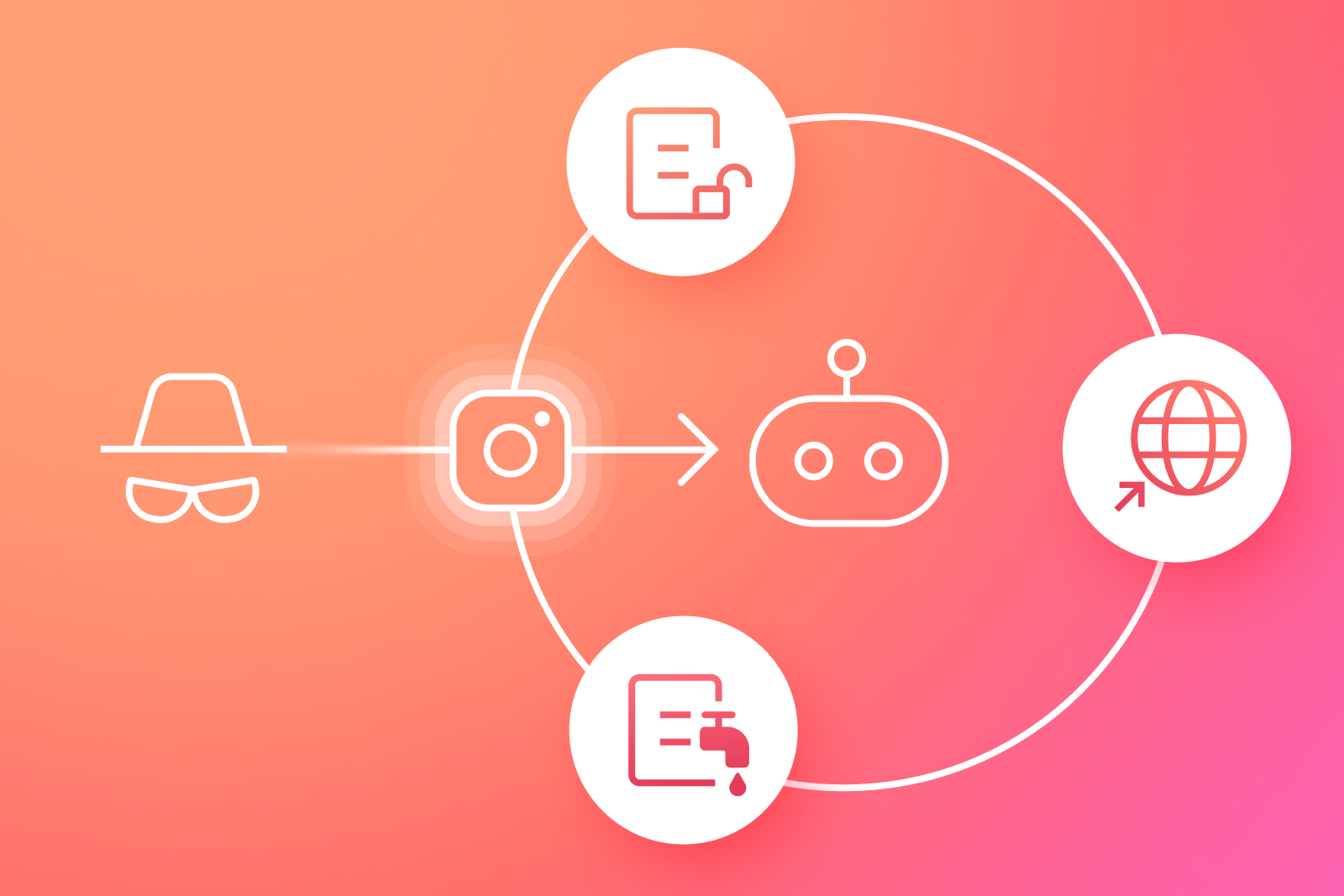
An AI agent can be configured correctly on Monday and become risky on Wednesday without anyone changing its permissions. A prompt injection, poisoned context, memory update, unexpected tool response, or weird workflow edge case can push the agent into work that no longer matches why it exists.
That is what agent behavior baselining is meant to catch.
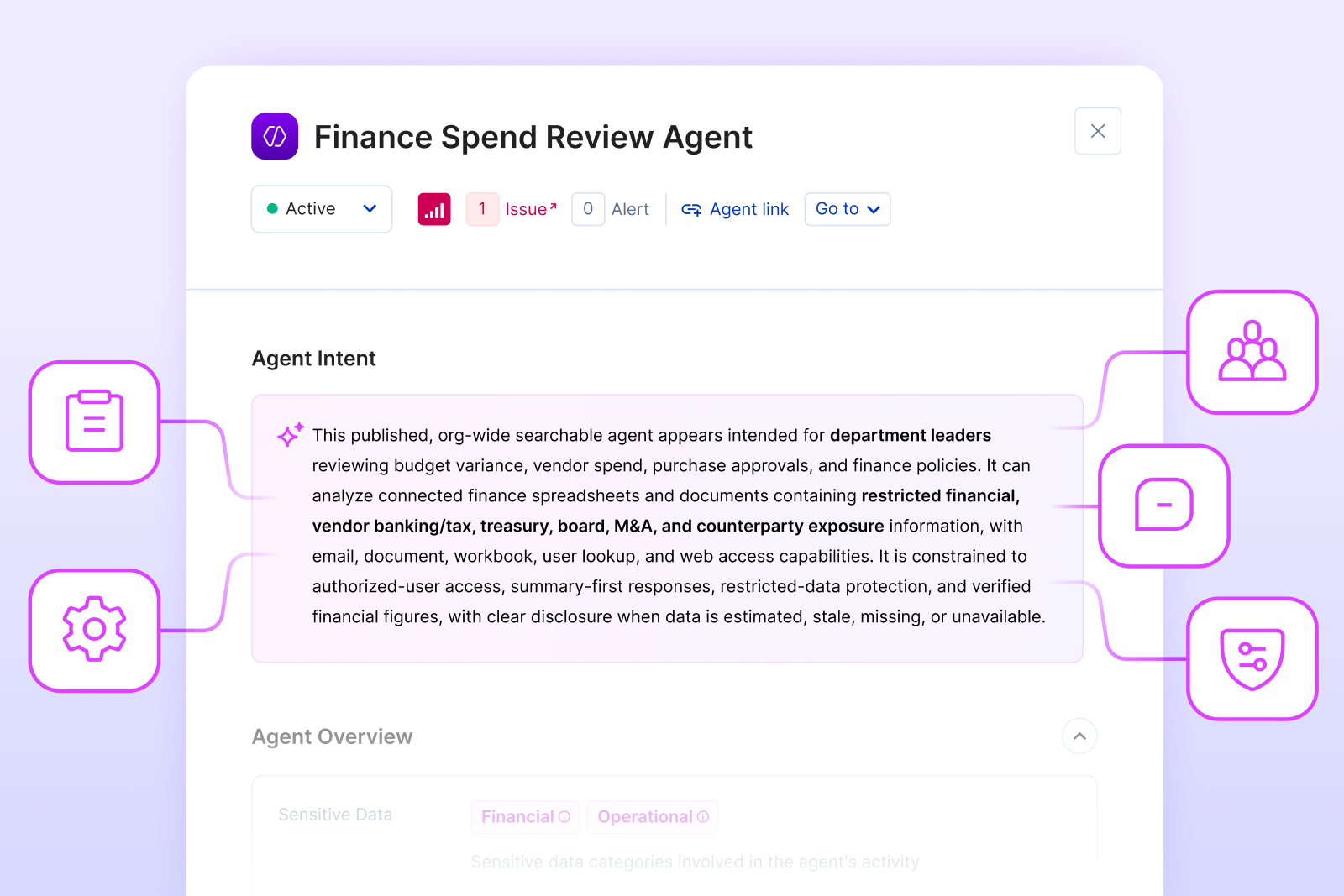
Agent Intent provides the reference point for agent security posture. It defines what the agent appears built to do, so its tools, data access, actions, and autonomy can be judged in context. By introducing Agent Intent, that reference point becomes operational: intent is classified from declared evidence such as the agent's name, description, system prompt, connected tools, MCPs, provisioner identity, intended audience, topic, actions, goal, and guardrails.
Agent behavior baselining is the next step in that chain. Once you know what the agent is for, you can ask whether it is still acting within that shape over time.
The same action can mean different things depending on the agent. An incident response agent may reasonably restart a service, open a ticket, query logs, and run a limited remediation action. A public support bot doing the same thing would deserve immediate review.
The action is not enough. The question is whether the action belongs to the agent.
This is why a baseline can't be learned only from history. If an agent was provisioned with excessive tools from day one, historical behavior may normalize a bad design. Build-time intent gives security teams a cleaner anchor: what the agent appears meant to do before runtime behavior teaches the monitoring system the wrong lesson.
The Agent Intent model is useful here because it separates several dimensions that often get blended together: who the agent is meant to serve, what topic or data domain it should handle, what action classes it should take, what goal it is pursuing, and which guardrails it declares. Those dimensions give behavior baselining a vocabulary.
What Belongs in an Agent Behavior Baseline?
A practical baseline should be narrow enough to catch meaningful drift and broad enough to tolerate normal work. It should include:
Baselining is not a one-time fingerprint. It is an operating record of what the organization has decided is normal for that agent.
Agents are supposed to adapt. A finance agent may call a planning spreadsheet more often near month-end. A support agent may retrieve a new policy article. A research agent may read a document it has never seen before. Alerting on every new path creates noise.
The stronger signal is drift combined with blast radius. A read-only HR policy agent begins using a tool that can send external email. A customer support agent starts retrieving finance files. A meeting-summary agent begins creating forwarding rules. An agent that normally acts as the current user suddenly runs a tool through the owner's credentials.
Each individual step may be technically allowed. The risk appears in the chain: the action, the data, the identity, the destination, and the agent's purpose no longer line up.
Security teams can keep the review simple. Start with four questions:
This keeps the investigation grounded in observable behavior without losing the posture context. The team is asking whether a prompt was malicious AND whether the agent's actual path still fits the work it was meant to perform.
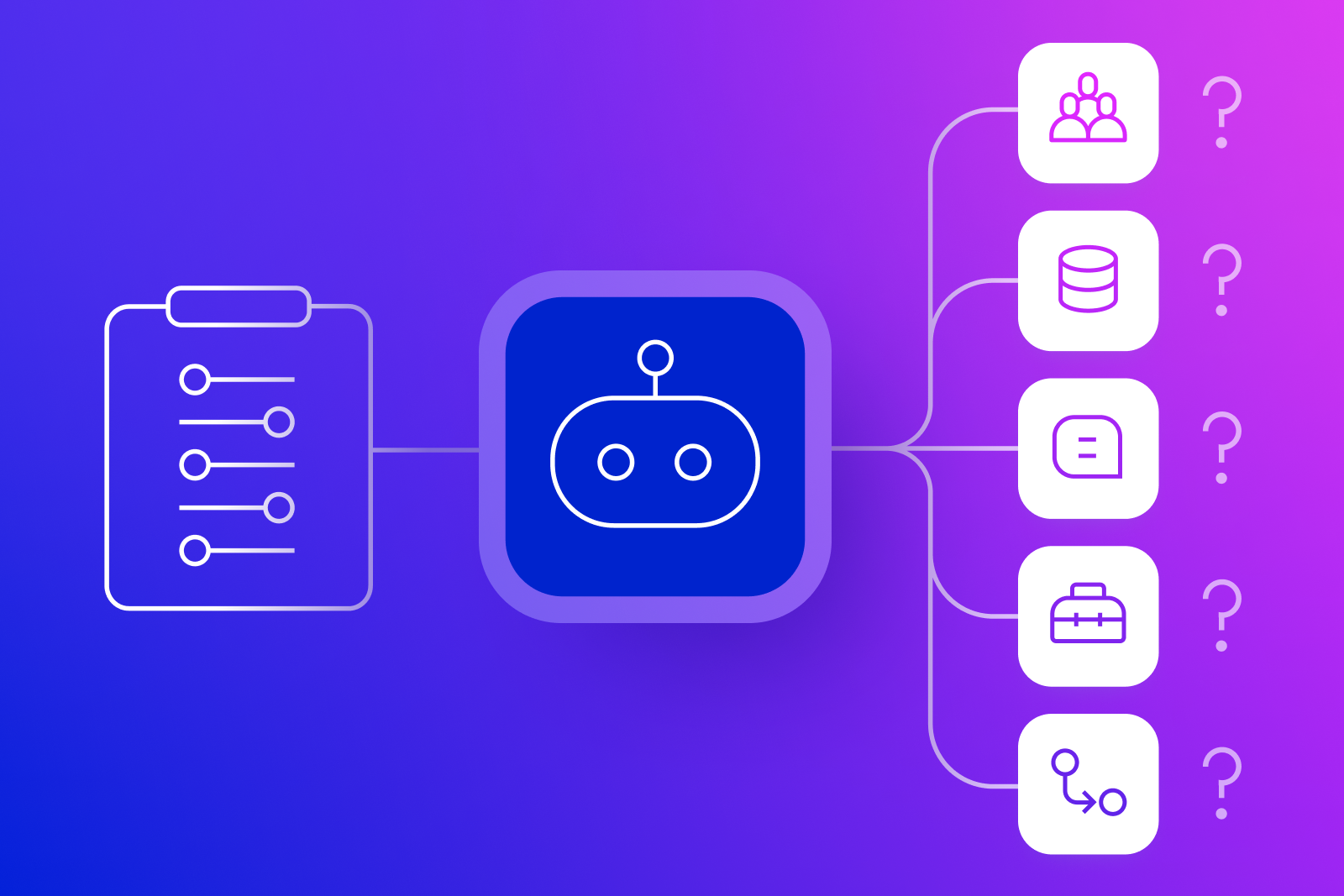
For many organizations, the first blocker is not drift detection. It is context. You can't baseline an agent if you don't know who owns it, what it is for, what tools and MCPs it can call, which data it can reach, how broadly it is shared, which identity it uses for actions, and how those relationships change over time.
Opsin's Agent Intent infrastructure gives security teams that starting point, and Opsin's context graph makes it usable as an operating baseline. Intent describes what the agent appears built to do. The context graph connects that intent to the surrounding reality: owners, users, tools, MCPs, data sources, auth mode, permissions, sharing scope, autonomy, and observed behavior. Agent risk should be contextual. A new tool call, data access path, or workflow sequence is only meaningful when it is evaluated against the agent's purpose and the graph around it. If an agent acts outside its topic intent, calls tools outside its action intent, serves an unexpected audience, touches sensitive data, or shifts toward a different goal, the review starts from a concrete mismatch rather than a vague anomaly.
Agent Intent helps answer what the agent was built to do. The context graph helps baseline how that agent behaves over time. Together, they make behavior drift review specific: this agent's current behavior no longer matches its intent, context, or expected risk profile.

Agent behavior baselining is the practice of profiling how an AI agent normally operates across purpose, audience, tools, data access, identity use, workflow sequence, destinations, volume, and timing so meaningful deviations can be reviewed as security signals.
Agent Intent gives the baseline a reference point. It describes what the agent appears designed to do, who it serves, what data domain it should handle, what actions it should take, what goal it pursues, and which guardrails it declares.
Intent mismatch is a build-time posture problem: the agent's configured scope does not fit its purpose. Behavior drift is an observed pattern over time: the agent starts acting outside the profile that should be normal for its intent.
History can normalize bad AI agent design. If an agent has excessive tools or broad access from the beginning, historical behavior may make risky activity look ordinary. Declared intent gives teams an independent anchor when monitoring agent behavior.
Start with tool calls, data sources, identity mode, external destinations, action classes, audience patterns, sensitive data access, and workflow chains for agents that can write, send, delete, approve, purchase, execute code, or call other agents.
Some high-risk agent behavior deviations may deserve containment, but many should trigger review first. The response should depend on sensitivity, privileges, external movement, destructive actions, and whether the agent's behavior violates the agent's declared intent.
An AI agent can be configured correctly on Monday and become risky on Wednesday without anyone changing its permissions. A prompt injection, poisoned context, memory update, unexpected tool response, or weird workflow edge case can push the agent into work that no longer matches why it exists.
That is what agent behavior baselining is meant to catch.
Agent Intent provides the reference point for agent security posture. It defines what the agent appears built to do, so its tools, data access, actions, and autonomy can be judged in context. By introducing Agent Intent, that reference point becomes operational: intent is classified from declared evidence such as the agent's name, description, system prompt, connected tools, MCPs, provisioner identity, intended audience, topic, actions, goal, and guardrails.
Agent behavior baselining is the next step in that chain. Once you know what the agent is for, you can ask whether it is still acting within that shape over time.
The same action can mean different things depending on the agent. An incident response agent may reasonably restart a service, open a ticket, query logs, and run a limited remediation action. A public support bot doing the same thing would deserve immediate review.
The action is not enough. The question is whether the action belongs to the agent.
This is why a baseline can't be learned only from history. If an agent was provisioned with excessive tools from day one, historical behavior may normalize a bad design. Build-time intent gives security teams a cleaner anchor: what the agent appears meant to do before runtime behavior teaches the monitoring system the wrong lesson.
The Agent Intent model is useful here because it separates several dimensions that often get blended together: who the agent is meant to serve, what topic or data domain it should handle, what action classes it should take, what goal it is pursuing, and which guardrails it declares. Those dimensions give behavior baselining a vocabulary.
What Belongs in an Agent Behavior Baseline?
A practical baseline should be narrow enough to catch meaningful drift and broad enough to tolerate normal work. It should include:
Baselining is not a one-time fingerprint. It is an operating record of what the organization has decided is normal for that agent.
Agents are supposed to adapt. A finance agent may call a planning spreadsheet more often near month-end. A support agent may retrieve a new policy article. A research agent may read a document it has never seen before. Alerting on every new path creates noise.
The stronger signal is drift combined with blast radius. A read-only HR policy agent begins using a tool that can send external email. A customer support agent starts retrieving finance files. A meeting-summary agent begins creating forwarding rules. An agent that normally acts as the current user suddenly runs a tool through the owner's credentials.
Each individual step may be technically allowed. The risk appears in the chain: the action, the data, the identity, the destination, and the agent's purpose no longer line up.
Security teams can keep the review simple. Start with four questions:
This keeps the investigation grounded in observable behavior without losing the posture context. The team is asking whether a prompt was malicious AND whether the agent's actual path still fits the work it was meant to perform.
For many organizations, the first blocker is not drift detection. It is context. You can't baseline an agent if you don't know who owns it, what it is for, what tools and MCPs it can call, which data it can reach, how broadly it is shared, which identity it uses for actions, and how those relationships change over time.
Opsin's Agent Intent infrastructure gives security teams that starting point, and Opsin's context graph makes it usable as an operating baseline. Intent describes what the agent appears built to do. The context graph connects that intent to the surrounding reality: owners, users, tools, MCPs, data sources, auth mode, permissions, sharing scope, autonomy, and observed behavior. Agent risk should be contextual. A new tool call, data access path, or workflow sequence is only meaningful when it is evaluated against the agent's purpose and the graph around it. If an agent acts outside its topic intent, calls tools outside its action intent, serves an unexpected audience, touches sensitive data, or shifts toward a different goal, the review starts from a concrete mismatch rather than a vague anomaly.
Agent Intent helps answer what the agent was built to do. The context graph helps baseline how that agent behaves over time. Together, they make behavior drift review specific: this agent's current behavior no longer matches its intent, context, or expected risk profile.