Imagine a project manager asking Copilot to pull together headcount costs for next year’s budget. The answer comes back with useful figures, plus individual salaries from a 2021 HR spreadsheet someone shared with the whole company. Nobody hacked anything. The manager could always open that file, but never knew it existed.
That gap between what people can reach and what they should see is data oversharing, and AI assistants and agents can surface overshared data in answers to routine work questions. In CoreView’s 2026 survey of 279 Microsoft 365 decision-makers, 66% said their organizations had delayed or canceled a Copilot rollout over concerns it could expose confidential SharePoint data. Here’s what drives it and how to fix it.
What Is Data Oversharing?
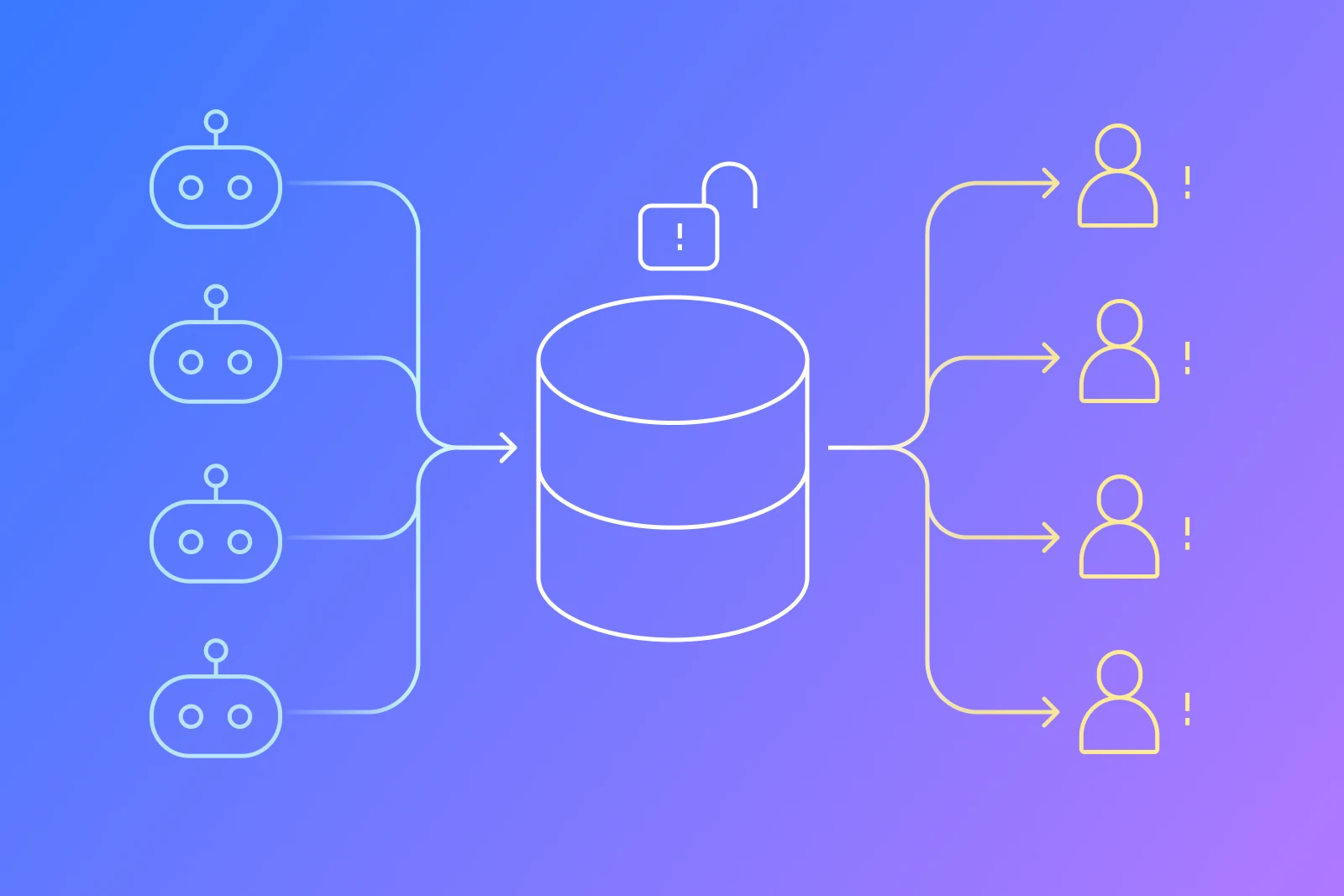
Data oversharing happens when sensitive information is accessible to more people, groups, apps, or AI agents than its business purpose requires. The sharing settings allow access, even when there’s no business reason for it. Excess access can go unnoticed for years, until an AI assistant surfaces the data in response to a routine work question.
Data Oversharing vs. Data Leakage
Oversharing creates the conditions for data leakage. A payroll file is overshared when the whole company can open it, and leaked when its contents reach someone who shouldn’t receive them.
| Aspect |
Data Oversharing |
Data Leakage |
| What It Is |
Sensitive data is accessible beyond the audience that needs it |
Sensitive data is disclosed to an unintended recipient or transferred to an unapproved destination |
| Example |
An HR spreadsheet is accessible to the whole company through a broad SharePoint group |
A payroll spreadsheet is emailed to the wrong distribution list |
| How AI Affects It |
Copilot surfaces salary details from an HR file the project manager already has permission to open |
An agent sends employee records to an unapproved external service |
| How It’s Detected |
Permission audits, access reviews, and exposure assessments |
DLP alerts, transfer logs, and incident investigation |
| Typical Response |
Narrow permissions or revoke sharing links at the source |
Contain the disclosure and determine what was shared and who received it |
Why AI Turns Oversharing Into a Security Problem
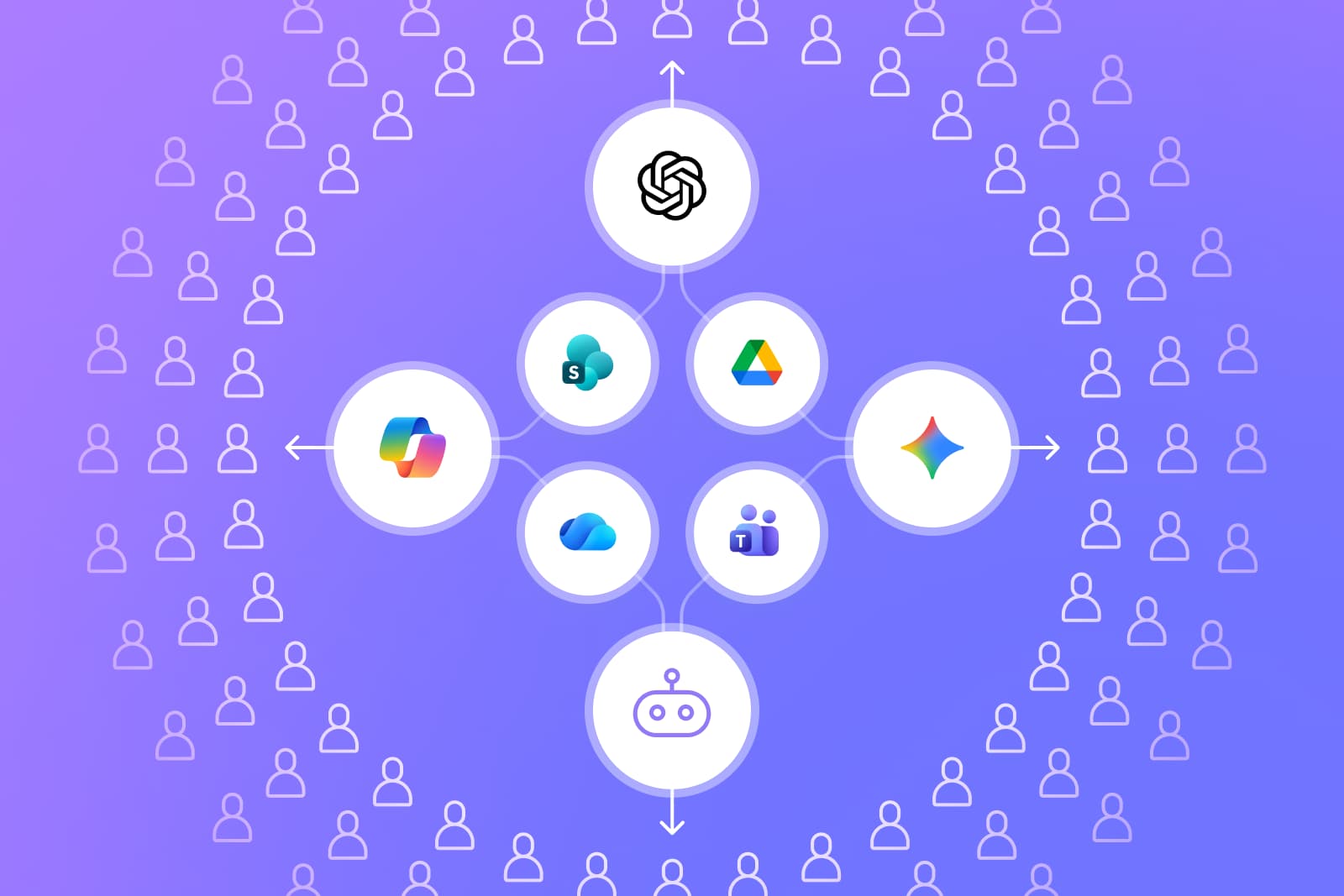
AI makes overlooked data easier to find, combine, and act on. A routine question or automated workflow can surface files that have been overshared for years.
- AI Surfaces Data Hidden by Obscurity: An assistant can surface a file the user never knew existed and combine details from multiple sources. If a staffing plan lists employee names and position IDs and a budget workbook lists salaries by position ID, an assistant with access to both could link employees to their pay.
- Agents Access Data at Scale Without Human Review: An agent can query multiple connected systems and act on the results without human review at every step. In a 2026 Cloud Security Alliance (CSA) survey, 74% of respondents said agents often get more access than they need, and 79% said agents create access paths that are hard to monitor.
- Compliance Exposure Grows With AI Adoption: Under HIPAA’s minimum necessary standard, covered entities generally must make reasonable efforts to limit workforce access to protected health information based on job duties. GDPR Article 25 requires controllers to limit access to personal data by default to what each processing purpose requires. If an assistant copies that data into a summary or report, the new file can be saved with broader sharing settings than the source, which puts the data outside the access limits those rules require.
- Security Teams Cannot Review Everything AI Touches: Access reviews show who has permission. Audit logs help show who used it. In the same CSA survey, 68% of respondents said they couldn’t clearly distinguish agent activity from human activity. Narrowing permissions limits what agents can retrieve, and identifying agents in audit logs helps teams trace what they accessed.
What Drives Data Oversharing
Oversharing rarely comes from a single bad decision. It builds up through everyday sharing and permission choices that can outlast the work that justified them.
| Driver |
How It Creates Oversharing |
Example |
| Open Sharing Links |
An “Anyone” link works for whoever has the URL. “People in your organization” links can be forwarded to other members of the Microsoft 365 organization. Either type can stay active after the original need ends. |
An “Anyone” link created for a partner in 2022 still opens a pricing sheet. |
| Broken Permission Inheritance |
A file or folder with its own permissions can retain old access grants after its parent is locked down. |
Finance restricts access to its SharePoint site, but a project team can still open a subfolder that was shared separately. |
| Org-Wide Groups |
Granting access to “Everyone except external users” can expose sensitive data to people whose roles don’t require it. |
An HR site has granted read access to “Everyone except external users” since it was set up. |
| Stale and Orphaned Permissions |
Access can survive role changes, completed projects, and departures. When a file has no active owner, it may be unclear who should review its permissions. |
An employee who moved from finance to marketing can still open last year’s payroll folder. |
| Unlabeled Sensitive Data |
Missing labels make sensitive files harder to prioritize and can leave them outside policies that depend on those labels. |
A customer export without a “Confidential” label falls outside a Purview DLP rule that blocks Copilot from processing files with that label. |
| Guest and External Access |
External collaborators can retain access after their work ends if their grants stay in place. |
A former agency’s guest accounts can still open files in the client’s project workspace. |
| Agents Running With Employee Identities |
An agent can surface data the current user already has excess access to. If a connector uses the creator’s credentials, the agent may also retrieve records the current user can’t open directly. |
A sales agent configured with its creator’s CRM credentials returns deal records a teammate can’t open directly. |
Real-World Examples of Data Oversharing
Sensitive data can remain accessible in cached copies, sit in shared workspaces with poorly documented permissions, or end up in apps published to the open web. In each case below, it became accessible to a wider audience than intended.
Copilot Returned Cached Content From Formerly Public GitHub Repositories (2025)
In February 2025, TechCrunch reported that Lasso Security had found Microsoft Copilot could retrieve content Bing had cached while GitHub repositories were public, even after the repositories were made private or deleted. Lasso found more than 20,000 since-private repositories with data still accessible through Copilot, across more than 16,000 organizations, and access keys and tokens were among the exposed material. Changing a repository’s visibility on GitHub left previously cached copies available to Copilot.
IRS Audit Found Taxpayer Data and Gaps in SharePoint Access Controls (2026)
In March 2026, the Treasury Inspector General for Tax Administration reported that the IRS could not provide access justifications for 415 of 479 users across 3 sampled SharePoint Online sites. In a separate check of 20 sampled sites, auditors found improperly stored personal or federal tax information on 7. One site contained nearly 2,000 tax return files and 725 Social Security numbers. The IRS’s automated tool for identifying sensitive files couldn’t be carried over to SharePoint Online, and the agency had yet to replace it at the time of the audit.
Internal Apps Built With AI Tools Exposed Company Data (2026)
In May 2026, Axios verified that publicly accessible apps built with AI coding tools exposed a Brazilian bank’s internal financial information and unredacted customer service conversations from a UK cabinet supplier. RedAccess researchers told Axios that some tools made apps public unless creators changed the privacy settings.
How to Find and Fix Data Oversharing
Oversharing builds up with every project, migration, and AI rollout, so a single cleanup won’t hold. The steps below move from finding exposure to keeping it closed.
- Inventory Data and Access Paths: Map where sensitive data lives across SharePoint, OneDrive, Teams, Google Drive, and connected SaaS apps. Then record every path that reaches it, including direct permissions, group memberships, sharing links, guest accounts, and agent connectors. Native tools such as SharePoint’s data access governance reports show broad sharing within their own platform, but each one stops at its platform’s edge.
- Test Exposure Through AI Queries: Permission reports show who can open a file. AI queries show what a user can retrieve without knowing where to look. Run test prompts such as “show me salary information” or “summarize board meeting notes” from accounts that represent typical roles, and record the test role, prompt, and source file without copying sensitive values into the audit log. These tests supplement permission reviews, since a prompt that returns nothing still leaves the underlying access question open.
- Prioritize by Business Risk, Not Volume: A large tenant can hold millions of overshared files, and fixing them in the order they’re found wastes effort on low-risk content. Rank findings by data sensitivity, breadth of access, and whether AI tools or agents can reach the content. An HR folder open to the whole company outranks thousands of old marketing drafts shared with one extra team.
- Remove Excess Access and Fix Broken Inheritance: Revoke “Anyone” links and org-wide grants on sensitive content, and remove stale members and expired guests. Restore inheritance only after verifying that the parent’s permissions fit the content, since otherwise the fix can widen access. Deleting a link can block people who still need it, so replace broad links with access for named people or groups. Apply SharePoint’s Restricted Content Discovery to high-risk sites while you fix the underlying permissions. It limits Copilot discovery at the site level, while users with existing access can still open the files directly.
- Delegate Fixes to Data Owners: Security teams can find oversharing, but they rarely know whether a finance analyst still needs a folder from last year’s project. Send findings to site and file owners, let them confirm or remove access, and keep security oversight of what changes. A request that names the file, the exposure, and the recommended action is easier to act on than a generic audit ticket.
- Monitor Permission Drift Continuously: Every new project, migration, and sharing link can reopen exposure that was already closed. Track changes to permissions, group memberships, and sharing links as they happen, and alert on high-risk events such as sensitive files gaining org-wide access or new external links. A quarterly review only shows how things looked on the day it ran.
- Review AI Agent Access With Each Rollout: Before an agent goes live, check which identity it runs under, which connectors and data sources it can reach, and whether it uses its creator’s credentials. Scope its permissions to the task, assign an owner, and recheck access whenever the agent gains new tools or users. Retire unused agents, revoke their integration grants, and disable credentials dedicated to them.
How Opsin Helps Prevent Data Oversharing
Opsin is an AI agent security platform built to find and close oversharing across enterprise AI tools and agents, starting with discovering the agents employees build across Microsoft Copilot, Claude, ChatGPT Enterprise, and Google Gemini. It follows the same path as the steps above, from an assessment before rollout to continuous enforcement after it.
- AI Risk Assessment Before Rollout: Opsin’s AI Risk Assessment connects in minutes and delivers a comprehensive report in 24 hours, covering data exposure, agent security gaps, and compliance gaps against HIPAA, CMMC, SOC 2, GDPR, and AI-specific regulations. The report ends with a prioritized remediation roadmap, and the assessment analyzes metadata, permissions, and configurations only, not file contents.
- AI Exposure Mapping: The platform shows what each AI tool and agent can reach before that access turns into an answer, comparing what an agent was built to do with the data, permissions, and tools it can reach. Opsin’s MCP governance maps connections to the agents using them and flags data exposure through over-permissioned or sensitive connections on Model Context Protocol (MCP) servers.
- Continuous Access Monitoring: Exposure changes every time a link is shared or a permission changes. Opsin’s ongoing oversharing protection tracks AI queries across Microsoft 365 and Google Workspace to spot sensitive data exposure as it happens, and explains why data is overshared, not only where, so teams can fix the permission or sharing issue at its source.
- Risk Prioritization: Findings are ranked by data sensitivity and business impact, so the HR folder gets fixed before the marketing drafts. For agents, Opsin’s agent identity security checks permissions against each agent’s intent and connected data to find excessive access, which matters because agents can inherit their builder’s access, and unused agents keep their access until retired.
- Remediation and Delegation: Opsin sends site owners prioritized instructions for fixing sharing and permission issues, while security retains oversight. For a risky agent, teams can route the fix to its owner or block the agent through Agent Runtime Security. At Culligan, sensitive data returned in Copilot queries dropped from 80% to under 15% after the team remediated oversharing and used Opsin’s insights to implement CASB and DLP rules in its existing security infrastructure.
- Policy Enforcement: Opsin starts from what an organization permits and can draft a policy with the team if none exists. Its AI agent governance turns that written policy into technical guardrails that apply as agents are created, shared, and changed, and checks each agent against its declared purpose both in draft and after publishing.
Conclusion
The salary spreadsheet in the opening wasn’t a new problem. It sat in the same folder with the same permissions for years, and the only thing that changed was that someone could find it by asking a routine question. Obscurity used to do the work that permissions were supposed to do, and AI assistants and agents have taken that cover away.
Permissions keep changing after rollout, so make data oversharing checks a recurring part of the work. After the next migration or agent rollout, run that budget query again from a project manager’s account. The answer should include the numbers they need to plan next year’s budget. Individual salaries should stay with HR.